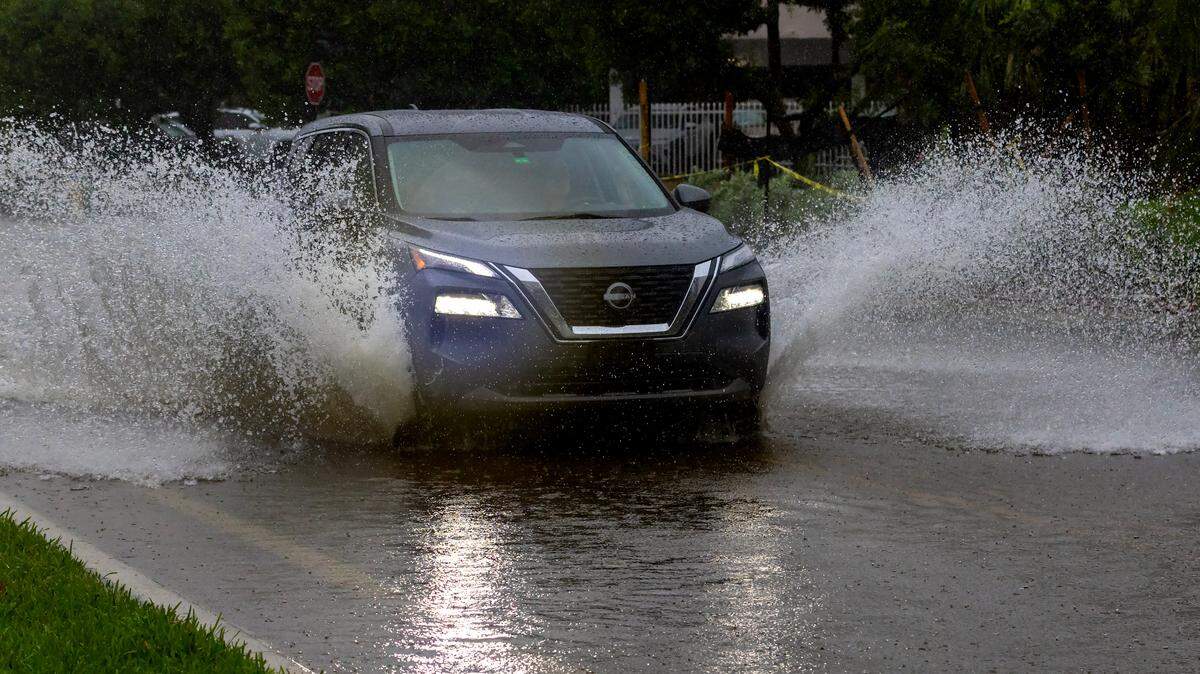
Is your South Florida flight delayed from rain and flooding? See ways to check
READ MORE
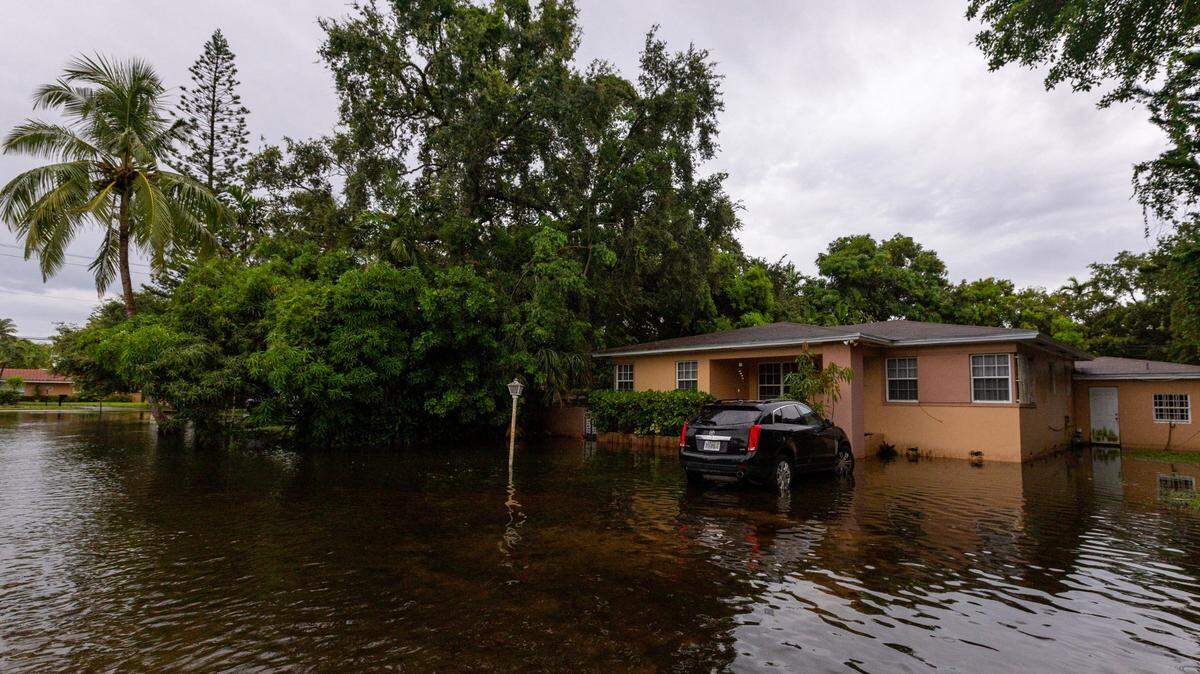
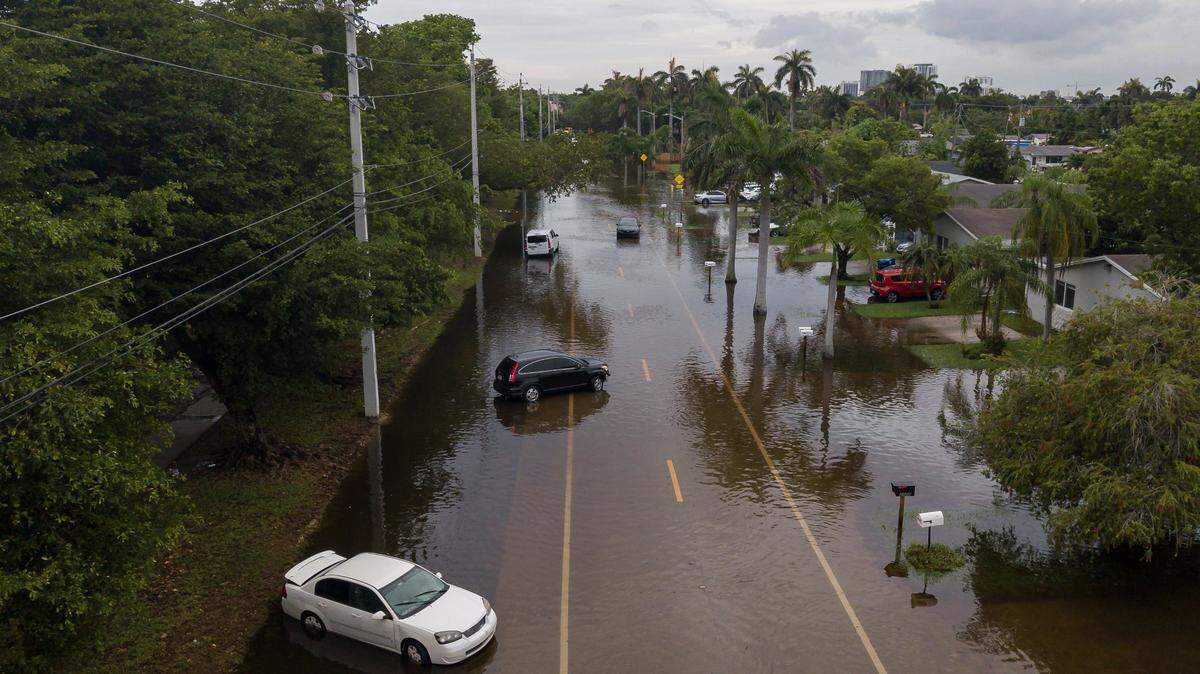
Severe flooding in South Florida
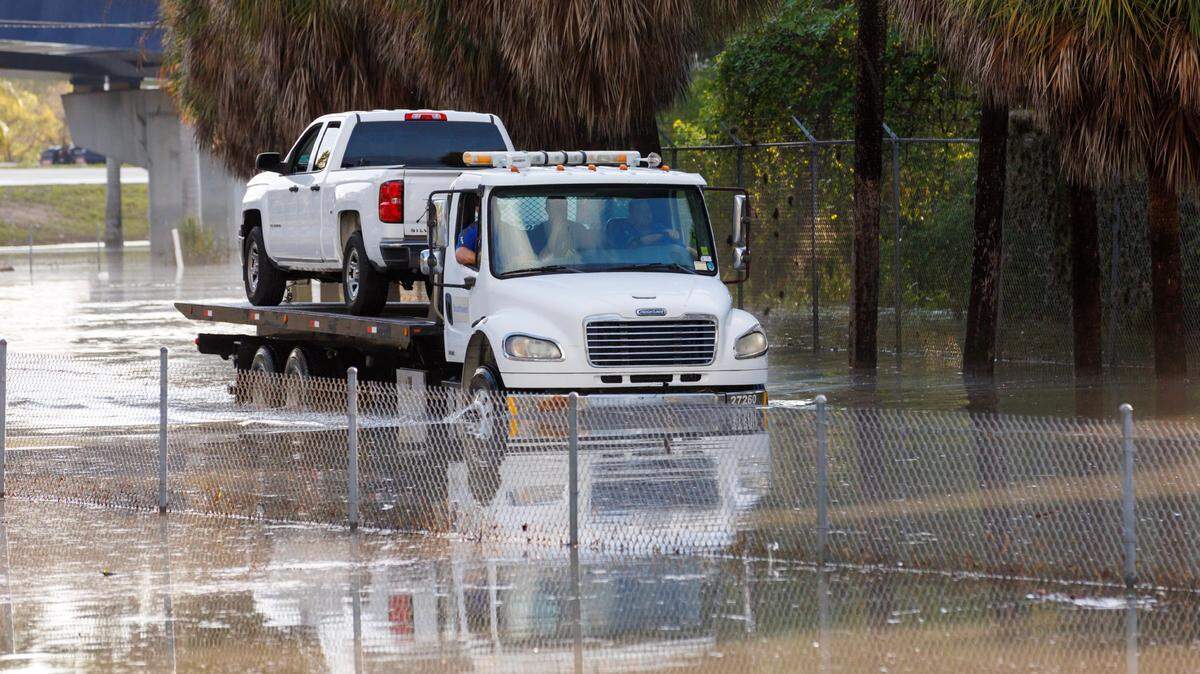
Torrential rain and severe thunderstorms swamped Miami-Dade and Broward counties. Here’s what to know about the impact.
Expand All
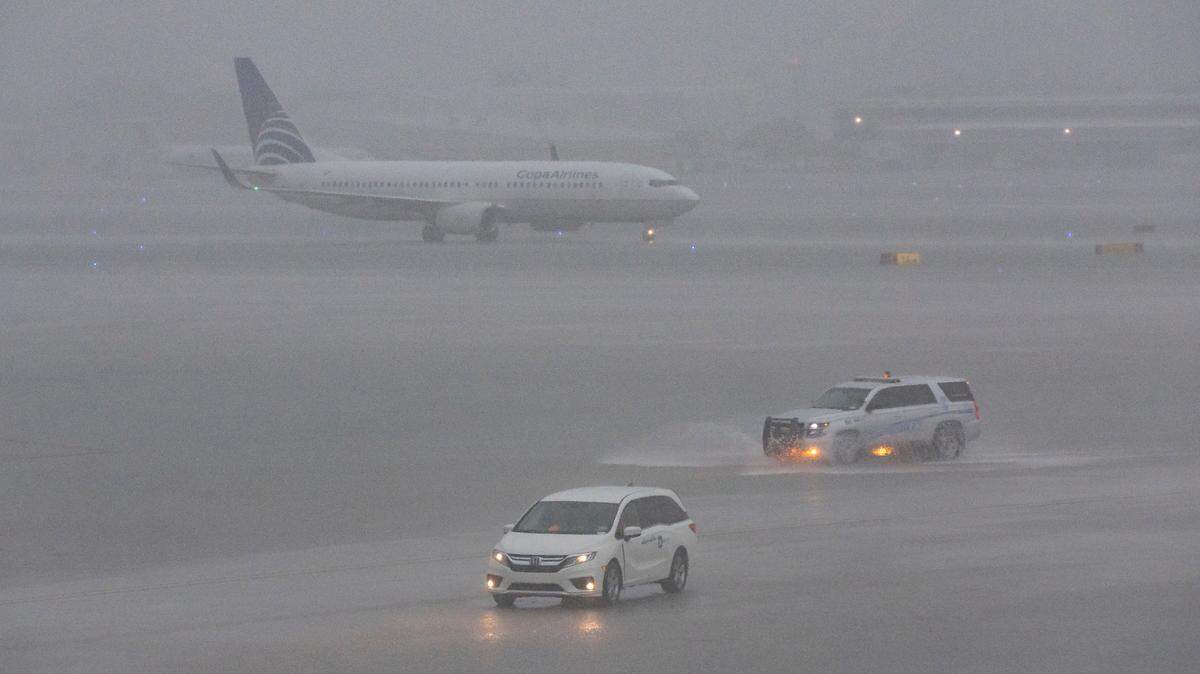
What a mess outside. And at the airport, too.
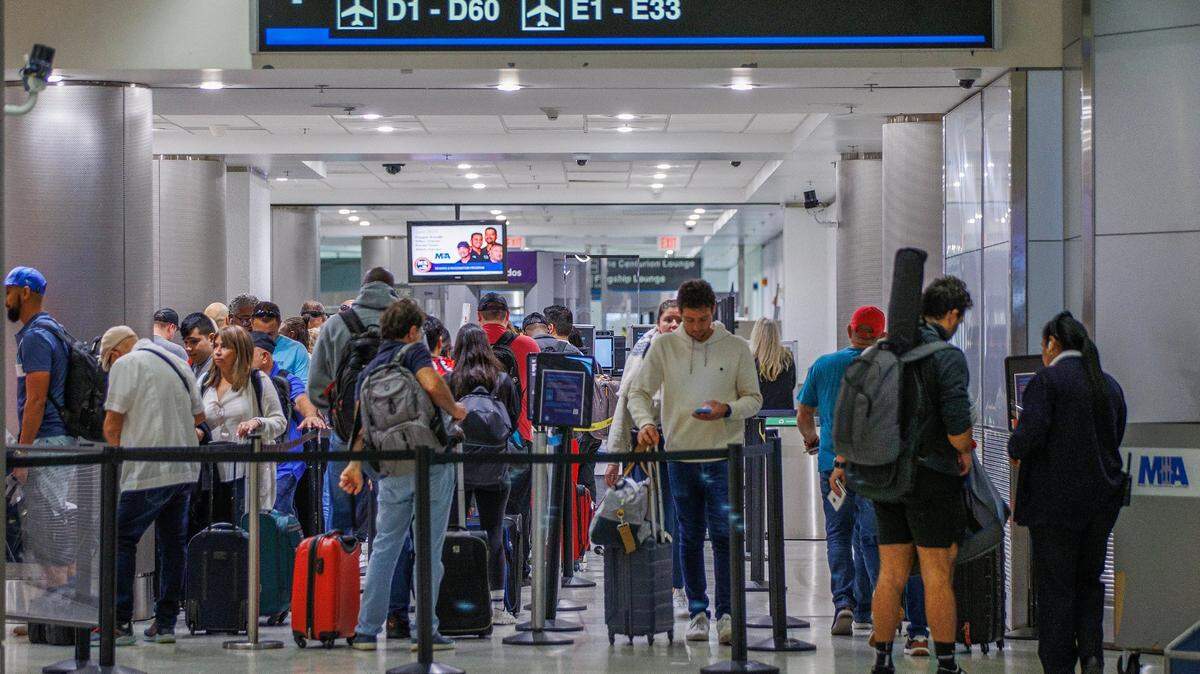
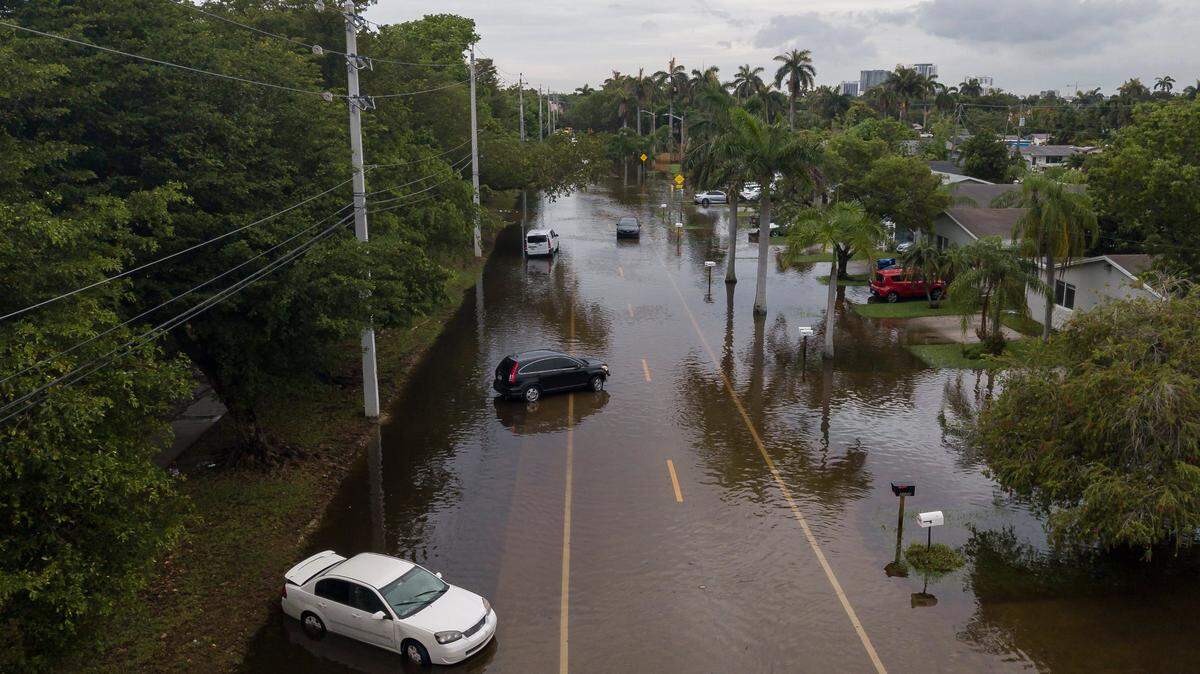
As South Florida gets pounded by heavy rain with flooding advisories this week, travelers are facing delays at the Miami and Fort Lauderdale airports.
An hour ground stop for arriving planes at MIA backed up flights by an average of four hours Monday afternoon and evening, according to the Federal Aviation Administration. The delays ran about an hour at FLL. The delays dissipated early Tuesday, according to the FAA, but more heavy rain and flooding are expected through the day and into Wednesday.
Online flight trackers can help you check the status of arrivals and departures at Miami International Airport and Fort Lauderdale-Hollywood International Airport. The tools are simple to use and can be filtered by time range, city and airline. You can also sort by arrival or departures.
Here are some of the websites and apps you can use to track your flight or delays at airport during a stretch of bad weather in South Florida:
Airport delays
The Federal Aviation Administration issues advisories on ground stops and delays at MIA, FLL and airports across the country.
How to check your flight status at MIA
One of Miami International Airport’s flight trackers shows a list of all expected arrivals and departures with options to use a drop-down menu to narrow results. It shows the carrier, flight number and where the plane is going to or coming from. It also gives real-time updates on the flight’s arrival or departure status, which concourse the terminal is in, and the location of baggage claim.
MIA’s other flight tracker tool lets you track by flight or route. If you know the carrier, the date and the flight number, this tool might be easier to use since it will only pull the information for your flight.
How to check your flight status at FLL
FLL’s flight tracker works by flight or route. To use it, you’ll need to know the date, along with the airline carrier and flight number, or the departure and arrival airport. The tool also gives people the option to see a list of all expected arrivals and departures and details on the flight’s terminal and baggage claim, too.
Some flights will also show you a map of where the plane is when it’s in the air.
How to check your flight status with an airline
.jpeg "Porter Water Salute at FLL (1).jpeg")
Another way to check your flight status is with the airline. Downloaded the airline’s app. You can also use the airline’s website. Here’s where to go for some of the popular airlines in South Florida:
▪ American Airlines or download the app from the App store for Apple users or the Google Play store for Android users.
▪ Delta or download the app from the App store for Apple users or the Google Play store for Android users.
▪ United Airlines or download the app from the App store for Apple users or the Google Play store for Android users.
▪ Southwest Airlines or download the app from the App store for Apple users or the Google Play store for Android users.
▪ JetBlue or download the app from the App store for Apple users or the Google Play store for Android users.
▪ Frontier Airlines or download the app from the App store for Apple users or the Google Play store for Android users.
▪ Spirit Airlines or download the app from the App store for Apple users or the Google Play store for Android users.
This story was originally published June 3, 2025 at 5:42 AM.


.jpg)

.png)