Is Your Ceiling Fan Not Cooling the Room Enough? This 5-Second Fix Can Change That
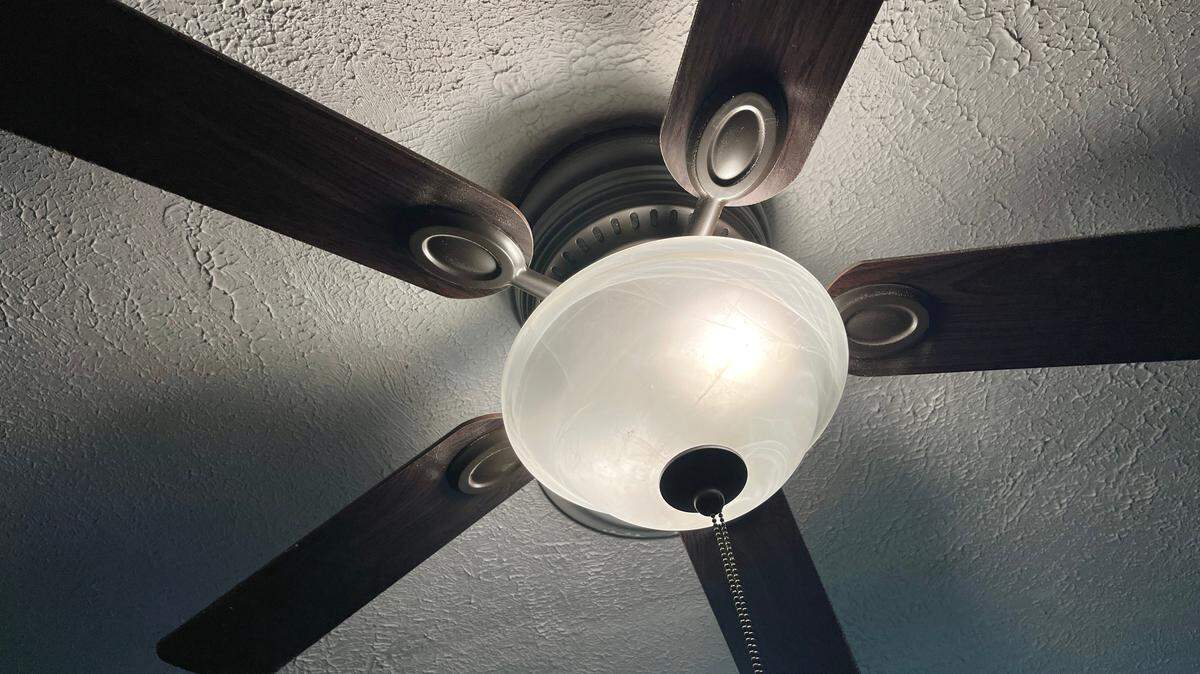
Your ceiling fan has been running all summer, but the room still feels stuffy. The thermostat keeps creeping lower, the energy bill keeps climbing, and you’re starting to wonder if the fan is doing anything at all.
Here’s the thing: it probably isn’t — at least not the way it should be. There’s a small ceiling fan switch on the motor housing of nearly every model, and odds are good yours is flipped the wrong way right now.
Getting it right takes about five seconds, costs nothing and can make a room feel up to 4 degrees cooler while cutting cooling costs by as much as 30%.
Most people have never touched it. Here’s how to tell which way your fan is spinning, why it matters and how to fix it.
Does ceiling fan direction matter?
Most people never give ceiling fan direction a second thought. The blades spin, the air moves, and that seems like enough. But the truth is ceiling fans don’t actually change the temperature in a room.
They just make a space feel cooler — or warmer — than it really is. That’s why ceiling fan direction is more about comfort than thermostats, and why getting it wrong wastes both money and air.
Most ceiling fans have two settings:
- Summer: Blades should spin counterclockwise (viewed from below) at high speed to push air down and create a wind-chill effect.
- Winter: Blades should spin clockwise at low speed to circulate warm air down from the ceiling, where heat naturally collects.
The summer ceiling fan setting creates a breeze that cools the people in the room. The winter setting recirculates the warm air you’ve already paid to heat.
Where is the ceiling fan switch?
On most standard fans, the ceiling fan switch is a small toggle on the motor housing — the boxy or rounded central unit the blades attach to. Look for it on the side, just above where the blades meet the body. It’s usually about the size of a power-strip switch and slides up/down or left/right.
A few things to know depending on your fan:
Pull-chain fans. The switch is almost always on the side of the motor housing. You’ll likely need a step stool, and the fan must be completely stopped before you flip it.
Remote-controlled fans. Many newer models skip the physical switch entirely. Look for a button labeled “reverse,” “forward/reverse,” or marked with a circular arrow icon on the remote.
Smart fans. The direction setting lives in the companion app, usually under “fan direction,” “summer/winter mode” or “reverse.”
Why change ceiling fan direction?
If comfort isn’t enough to convince you, the savings might.
According to the U.S. Department of Energy, “using a ceiling fan allows you to raise the thermostat setting by about 4°F without reducing comfort.” In some cases, “ceiling fans can sometimes replace air conditioning altogether,” the agency adds.
That 4-degree difference adds up fast on a utility bill. Some experts estimate that raising your thermostat by just one degree can save 2% to 3% on cooling costs, according to 12News.
Home Depot says some homeowners “can reduce your energy costs up to 30 percent” once they cut down on air-conditioning use.
The wattage gap helps explain why. Save On Energy writes: “On average, a standard high-efficiency central air conditioning unit uses 3,500 watts of power when it’s in use. A ceiling fan, on the other hand, uses approximately 50 watts.”
A fan won’t replace central air in most homes. But paired with the AC — and spinning in the right direction — it can take real pressure off both the system and your monthly bill.
This article was created by content specialists using various tools, including AI.