
Is the blizzard affecting your flight at MIA or FLL? How to track your travel
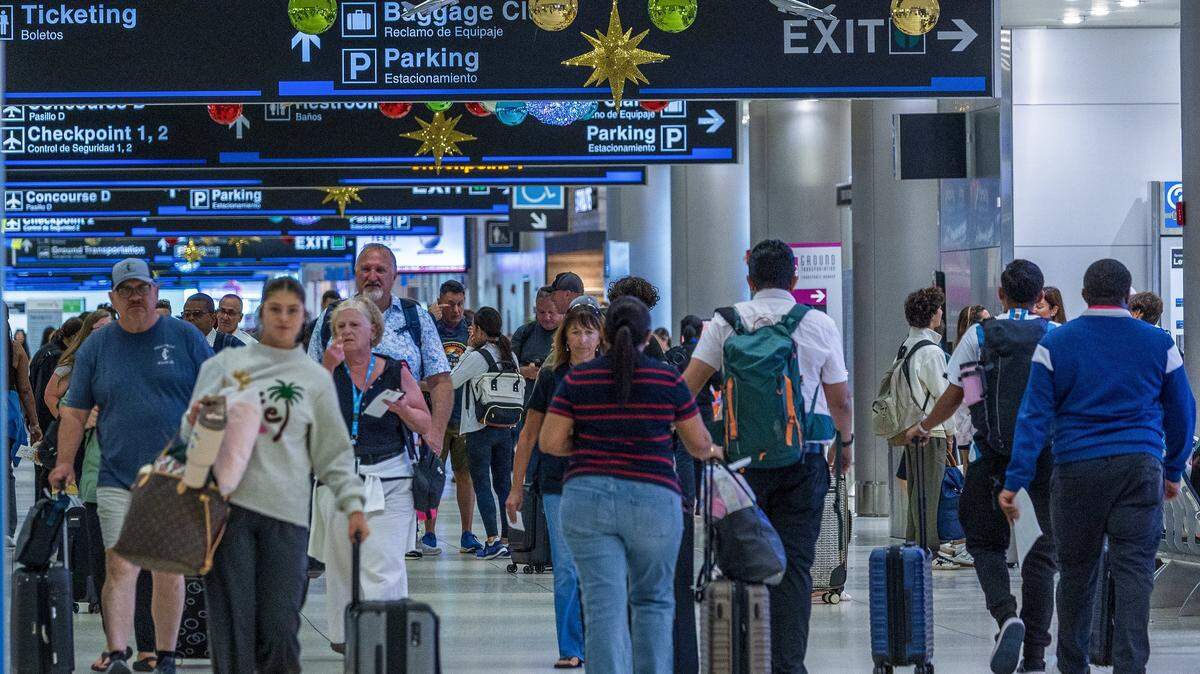
Snow and blizzard conditions in the Northeast are affecting flights Monday at airports in Miami and Fort Lauderdale.
The best advice from MIA and FLL: Stay on top of your flight status.
Hundreds of flights at South Florida’s two main airports were affected.
As of 2:30 p.m. Monday at MIA, 76 arrivals were canceled and 69 departures were scrapped due to the winter storm, according to Greg Chin, communications director for Miami-Dade Aviation Department.
At FLL as of 2:30 p.m., 189 flights were canceled — 96 arrivals and 93 departures, according to airport spokesperson Arlene Satchell. The Broward airport also had 85 delays.
While the winter storm was likely the cause for much of the disruption, “other factors such as airline operational/aircraft issues and/or federal air space traffic management initiatives may also be contributing reasons,” Satchell said in an email to the Miami Herald.
Both the Miami and Fort Lauderdale airports have flight trackers to keep you up to date.
Here are the details:
How to track your flight at MLL and FLL
Miami: One of the MIA flight trackers shows a list of all expected arrivals and departures with options to use a drop-down menu to narrow results. It displays the carrier, flight number and where the plane is going to or coming from. It also gives real-time updates on the flight’s arrival or departure status, which concourse the terminal is in and the location of baggage claim. The other online tool lets you track by flight or route. If you know the carrier, the date and the flight number, this tool might be easier to use because it will only show information for your flight.
Fort Lauderdale: FLL’s flight tracker works by flight or route. You’ll need to know the date, along with the airline carrier and flight number or the departure and arrival airport. The tool also gives people the option to see a list of all expected arrivals and departures and details on the flight’s terminal and baggage claim, too.You can also check your flight status with the airline directly, which might be easier to do through the airline’s app. But you can also check via the airline’s website.
MORE: Heading to the airport for holiday travel? Check parking issues at MIA and FLL
When should you arrive at the airport?
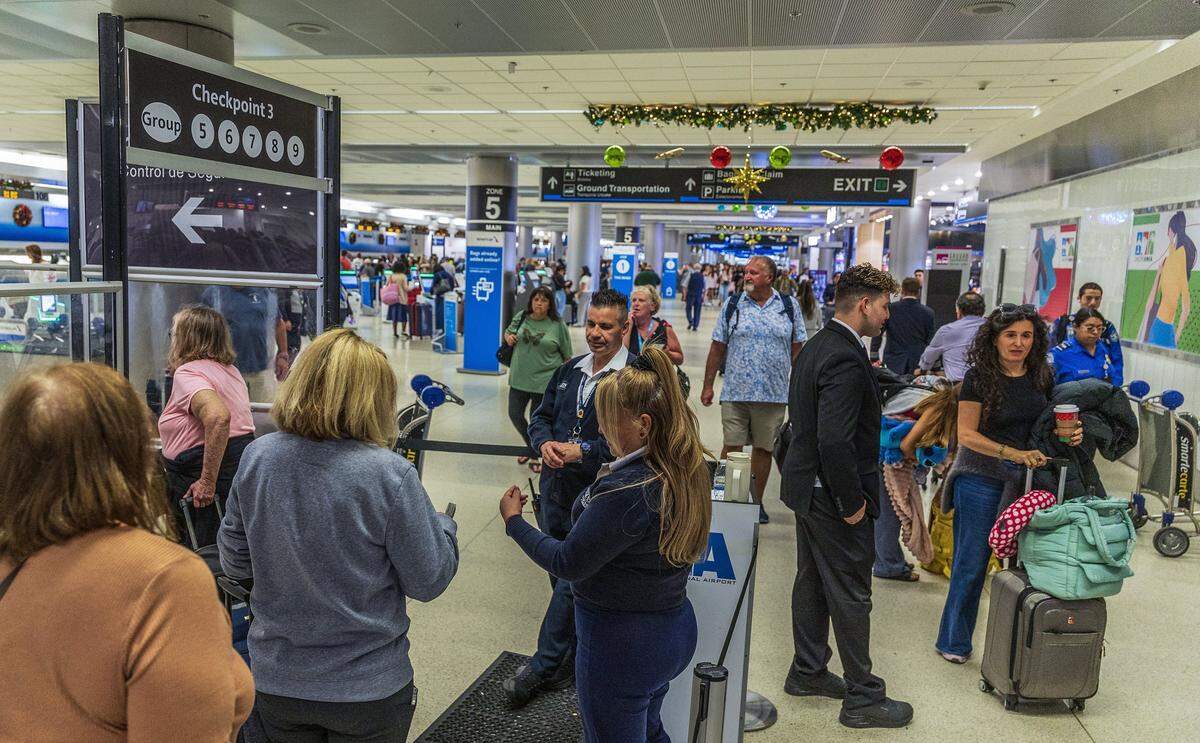
When to get to the airport: The airports recommend arriving three hours before your flight departs to give yourself enough time for parking, check-in and the security screening process. The airports also suggest checking in online before arriving. If your flight gets delayed, be patient with airline employees as they work to reschedule, and remain in contact with your airline for flight updates.
What can you expect at airport security checkpoints?
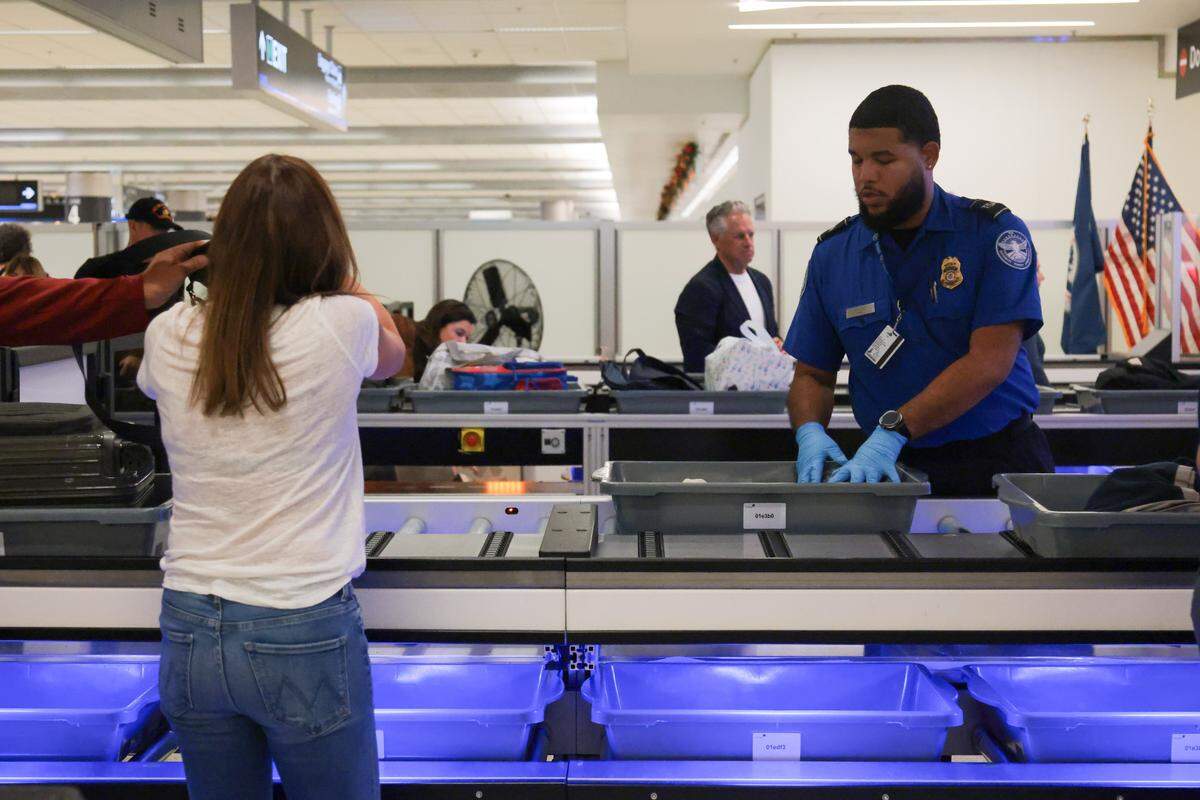
Guidance from TSA:
Shoes: Since July 8, 2025, passengers traveling through domestic airports are allowed to keep their shoes on while passing through TSA checkpoints.
Bags: Pack essential items such as medicine, travel documents, a phone charger, and a change of clothes in your carry-on instead of your checked bag. That’s in case your flight gets delayed, and you can’t quickly retrieve your checked bag.
Items: To expedite TSA checkpoint screening, follow the 3-1-1 rule for liquids or gels in your carry-on, and avoid accessories that resemble weapons and other prohibited items. For more TSA tips, visit the TSA website.
Wait times: According to data MIA, from Nov. 16 to Nov. 19, average wait time across all TSA checkpoints at the airport ranged from 3 minutes, 51 seconds to 5 minutes, 44 seconds. Find the fastest TSA checkpoint for your flight with MIA’s real-time updates on checkpoint wait times online.
This story was originally published February 23, 2026 at 6:21 AM.