
How to find (and use) Facebook’s new tool that tracks how long you use its app
Facebook users who worry they might be putting a bit too much time into the social media platform now have a way to check up on themselves: a new tool called ‘My Time on Facebook.”
The company pushed the feature onto phones in November, though it has been working on it for months, according to Tech Crunch.
“We’re always working on new ways to help make sure people’s time on Facebook is time well spent,” a Facebook spokesperson said in July, according to the site.
Now the feature is here. It joins similar features offered by Apple and Google with their “Screen Time” and “Digital Wellbeing” trackers, respectively.
Here’s how you get to it, and how to use it.
First, you’ll need the latest edition of the Facebook app, either for iOS or Android. Pull up the app, then tap on the three horizontal lines at the top menu bar to bring up your options.
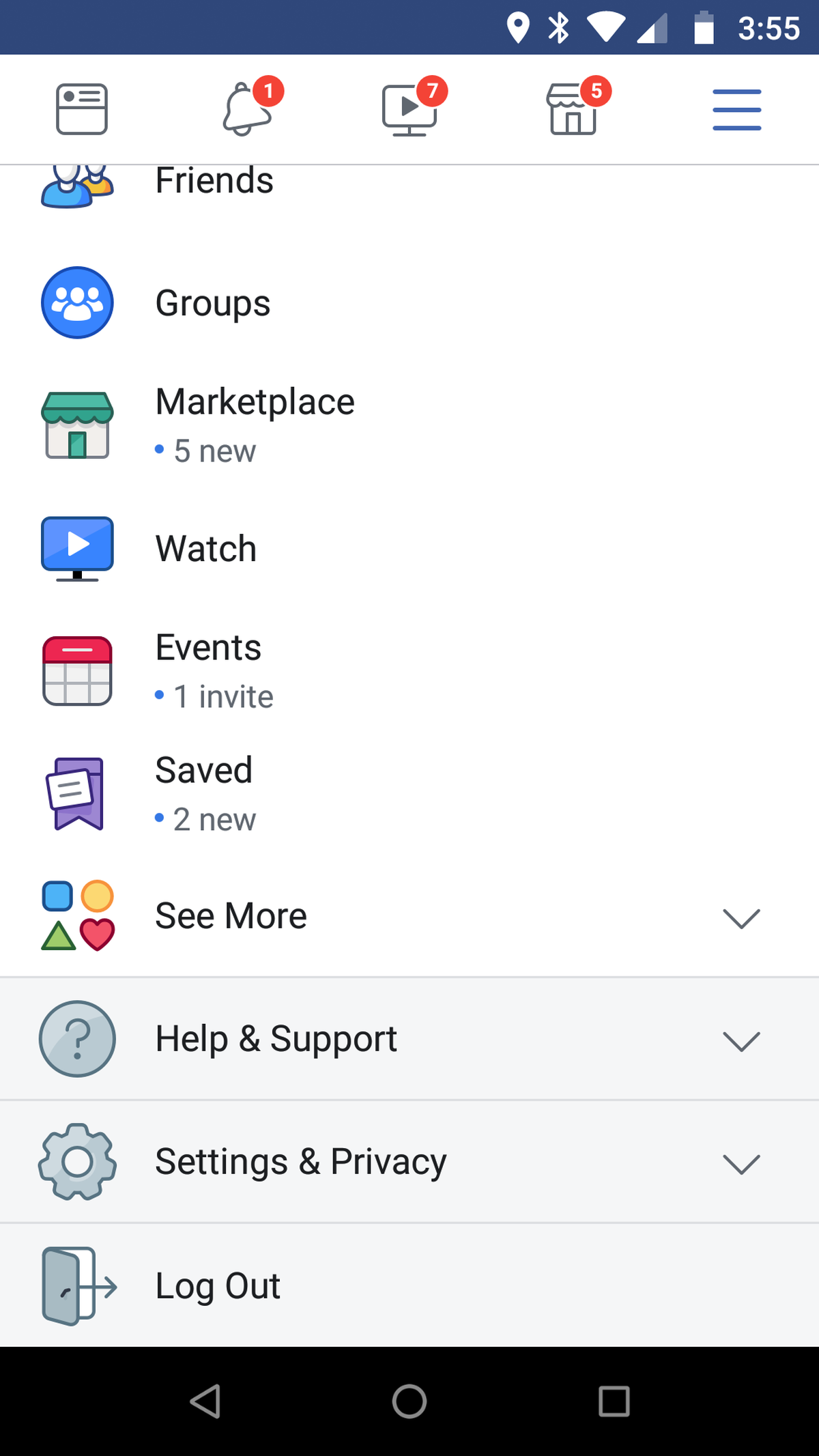
Scroll down and hit “Settings and Privacy.” In that menu you’ll see an option with a clock logo that says, “Your Time on Facebook.” Click on it, and you’ll see a bar graph showing the time spent on the app each day over the previous week.
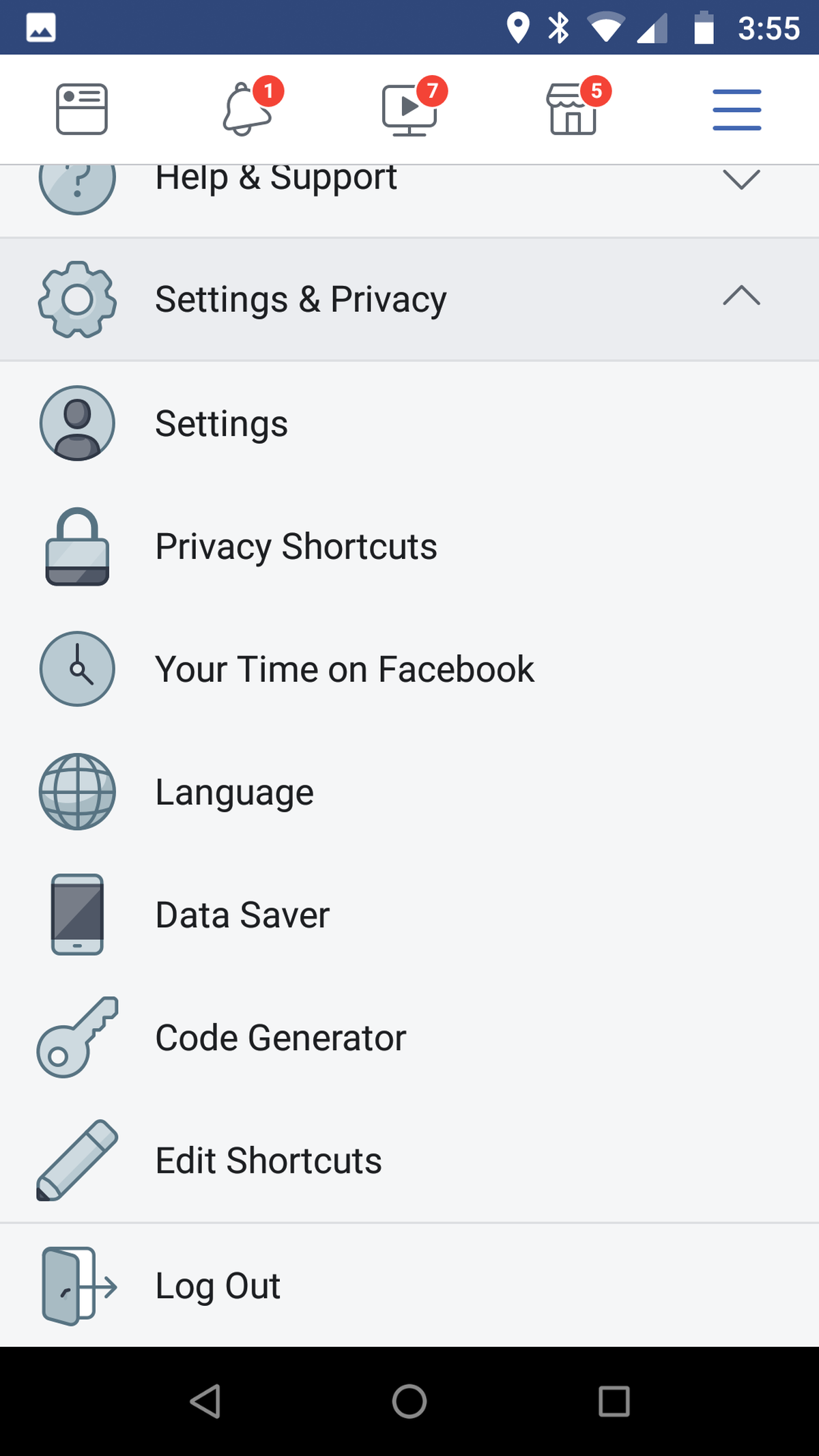
You can do other things from the page, too. Options let you customize your news feed to prioritize some people over others, find friends or reconnect with ones you might have unfollowed, or set your phone to give you a warning if you go over a time limit you set for yourself.
For now, this feature only works on phone apps, and there is not a comparable feature for the desktop website.
The move comes as more and more people are beginning to question how much social media is too much. About 44 percent of Facebook users between 18 to 29 had deleted the app from their phone at some point in the last half year, according to a Pew Survey, and as many as 64 percent of young Generation Z survey responders said they were taking a break from social media, according to research from ad agency Hill Holiday.