

In the era of remote work and digital entertainment, having a reliable Wi-Fi connection in every corner of your home or office is necessary. Yet, picking the perfect one can be overwhelming, given the large variety of options.
We rounded up the best Wi-Fi extenders for 2024, allowing you to buy with ease and confidence. First, let’s talk about what to look for in your search:
- Coverage Area: Ensure the extender matches the size of your space.
- Data Transfer Rate: Look for Mbps ratings that suit your internet usage needs.
- Compatibility: Check if the extender works with your existing or new router and devices.
- Frequency Bands: Dual-band or tri-band options can provide more reliable connections.
- Additional Features: Consider extras like Ethernet ports, access point modes, and smart home compatibility.
Let’s find out what Wi-Fi extenders stand out this year, offering solutions for every home and office setup type.
Best for Seamless Connectivity on a Budget: Macard WiFi Extender Boost

Key specs: 802.11a/b/g/n/ac standards, quad-band frequency, Alexa compatibility, 450 Mbps data transfer rate
Are you seeking an affordable yet powerful new Wi-Fi solution? The Macard WiFi Extender Boost is our top pick for both home and office use. Coverage extending up to 9,000 square feet ensures your entire space stays connected, eliminating frustrating Wi-Fi dead zones.
Pros
The Macard Extender is one of the top-rated units on Amazon. It’s a compact yet robust device that successfully eradicates dead zones, supporting over 45 devices simultaneously.
Ideal for everything from gaming to 4K streaming, its quick WPS setup and top-notch security protocols offer seamless integration into any Wi-Fi network. It’s a budget-friendly choice for extensive Wi-Fi coverage.
Cons
The Macard’s downfall lies in missing advanced features like tri-band connectivity or MU-MIMO, which tends to come with pricier models. While dependable, it may not fully satisfy those in vast spaces or needing the fastest internet speeds.
Best for Enhancing Wi-Fi in large homes and offices: BIGtec WiFi Range Extender

Key specs: 300 Mbps data transfer rate, single-band, 4500 sq. ft. coverage
The BIGtec WiFi Range Extender is an excellent choice for large spaces, providing up to 4,500 square feet of enhanced Wi-Fi signal. Its design effectively tackles Wi-Fi dead zones, ensuring consistent connectivity throughout your home or office.
Pros
BIGtec excels with its easy setup and dual mode as a repeater or access point. It maintains a stable single-band frequency, perfect for streaming and gaming. It is also compatible with various devices and wireless routers. Its security features keep your wireless network safe, making it a universal solution for extended Wi-Fi 6 coverage.
Cons
This extender isn’t plug-and-play and requires some initial configuration, potentially challenging for the less tech-savvy. Focused on the 2.4 GHz band, it might not meet the speed expectations of those preferring dual-band systems. Also, its higher price point may deter budget-conscious buyers.
Best for Enhancing Wi-Fi Coverage and Connectivity: TP-Link WiFi Extender (RE550)

Key specs: AC1900 dual-band, three antennas, gigabit Ethernet port, TP-Link OneMesh technology, intelligent signal light, AP mode, TP-Link tether app
The TP-Link WiFi Extender (RE550), an exemplary Wi-Fi range extender, significantly boosts your internet connection in larger homes and offices. It’s a mainstay for ensuring every corner of your home has a strong Wi-Fi signal.
Pros
The RE550, a top pick in the best Wi-Fi mesh extender category, delivers dual-band speeds on Wi-Fi (600 Mbps on 2.4 GHz and 1300 Mbps on 5GHz), perfect for bandwidth-intensive activities like 4K streaming or online gaming.
Its three main antennas provide expansive Wi-Fi coverage, essential for large spaces. The device’s gigabit Ethernet cable port facilitates high-speed connections for wired devices.
TP-Link OneMesh technology effortlessly creates a mesh network, ensuring seamless roaming. The user-friendly TP-Link Tether app enhances the setup process, offering easy network management.
Cons
Despite its strengths, the RE550 has limitations. It occasionally needs help with maintaining consistent wireless signal strength to mobile devices, an issue for those heavily reliant on Wi-Fi for personal devices. Additionally, its price might be steep for budget-conscious consumers — a factor to consider when evaluating the balance between cost and performance.
Best for Eliminating Wi-Fi Dead Zones: Netfun WiFi Extender Signal Booster

Key specs: 300 Mbps data transfer rate, M7 Bionic Chip, four external antennas, compatible with up to 40 devices
The Netfun WiFi Extender Signal Booster excels in obliterating Wi-Fi dead zones. It’s ideal for sprawling spaces, ensuring strong Wi-Fi coverage from basements to backyards.
Pros
This signal booster, ranking high among the latest Wi-Fi extenders, is powered by the M7 Bionic Chip and four external antennas, guaranteeing fast and stable connectivity.
It’s a breeze to install, with a simple setup process compatible with WPS-enabled routers and straightforward configuration for others. It supports up to 40 devices and is versatile for both smart homes and office environments. It also includes robust security protocols, safeguarding your online activities.
Cons
One drawback of the Netfun extender is the necessity for weekly reboots, which might inconvenience those seeking a low-maintenance solution.
Its advanced features and performance capabilities also place it at a higher price point, potentially a concern for budget-conscious shoppers. However, it may be a worthwhile investment for users prioritizing extensive coverage and reliable connectivity.
Best for Enhanced Wi-Fi Coverage in Larger Spaces: TP-Link WiFi Extender (RE315)
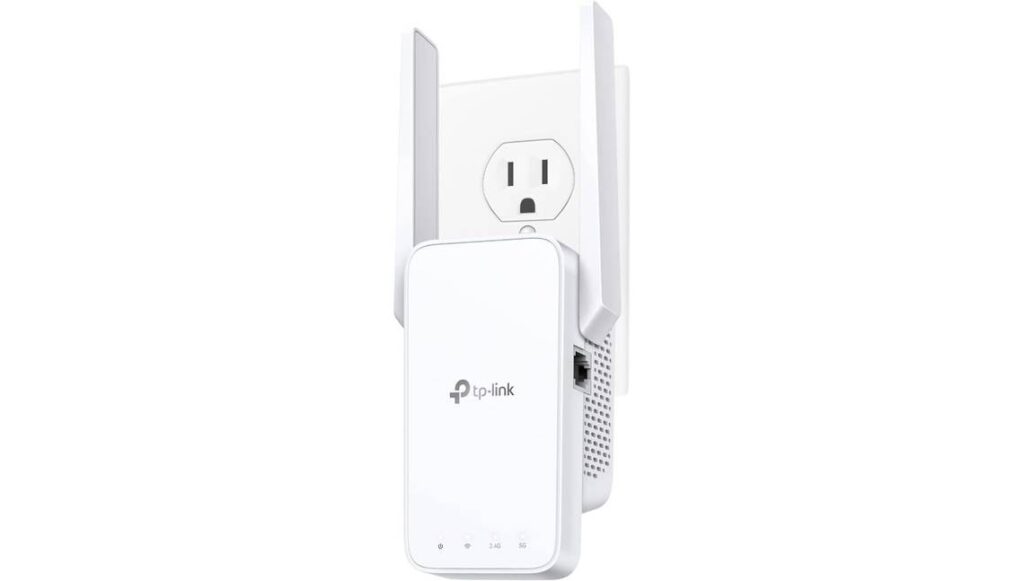
Key specs: Dual-band frequency, 1200 Mbps data transfer rate, universal compatibility, adaptive path selection, OneMesh support
Enhance your Wi-Fi network with the TP-Link WiFi Extender (RE315), a top pick for expanding Wi-Fi coverage in larger spaces. Ideal for home and office settings, this extender boosts signal strength across up to 1,500 square feet, seamlessly connecting up to 30 devices.
Its adaptive path selection optimizes your internet connection, providing consistent Wi-Fi speeds even in crowded network areas.
Pros
With its dual-band capabilities, the RE315 efficiently handles various online activities: 2.4 GHz for browsing and 5 GHz for high-bandwidth tasks like gaming and streaming. Its adaptive path selection feature is a game-changer.
It ensures optimal network speeds by choosing the fastest route to your mesh router. The design is user-friendly and space-efficient, featuring adjustable external antennas for superior reception and a compact form that doesn’t clutter your space.
Universal compatibility with all Wi-Fi routers and access points, plus TP-Link OneMesh integration, ensures this best WiFi extender fits into any existing network setup without hassle.
Cons
This high performance comes at a premium. The RE315, while offering excellent Wi-Fi coverage and features like OneMesh, may be steep for budget-conscious users. Its setup process, although straightforward, might pose a challenge for those less familiar with tech, potentially requiring a bit more effort to get up and running.
Best for Enhancing Wi-Fi Coverage: Netgear Wi-Fi Range Extender EX6120
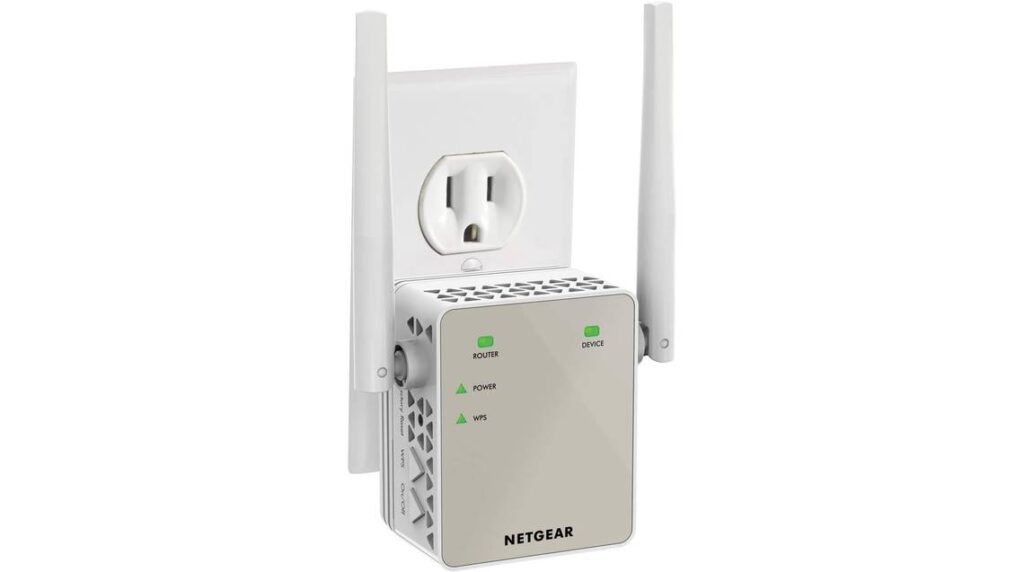
Key specs: Dual-band 802.11a/b/g/n/ac, data transfer rate of 1200 Mbps, 1500 sq. ft. coverage, connects up to 32 devices
Say goodbye to Wi-Fi dead zones with the Netgear Wi-Fi Range Extender EX6120, a robust solution for extending your Wi-Fi signal across every corner of your home. It provides solid Wi-Fi coverage and is perfect for areas with weak wireless signals.
Pros
The EX6120 shines when it comes to blanketing a big area, up to 1,500 square feet. With robust Wi-Fi, it’s great for large homes or office spaces. It also boasts speedy 1200 Mbps data transfer, so you can stream and game smoothly without hiccups.
Its dual-band functionality minimizes interference, allowing it to simultaneously handle up to 32 devices. The design of this Wi-Fi range extender is both practical and stylish, fitting neatly into a wall outlet to reduce wire clutter around your space.
Its easy setup, compatibility with most routers, and simplicity of connection to your home network make it one of the best Wi-Fi extenders available.
Cons
Despite its strengths, the EX6120 may not be ideal for smaller spaces or those with fewer devices. It excels in the 5GHz band, but older devices limited to 2.4 GHz might not benefit significantly. The setup can be tricky for routers without WPS, and this extender network’s basic features might fall short for users seeking advanced network controls.
Best for Seamless connectivity: WiFi Extender/Repeater

Key specs: Dual-band, 300 Mbps, Alexa compatible, RJ45 connector
The WiFi Extender/Repeater (WER) enhances Wi-Fi coverage in your home or office, supporting up to 40 devices. It’s an ideal solution to combat spotty Wi-Fi, especially in larger spaces.
Pros
The WER is a top pick for extending wireless signal strength across 4,000 square feet. Its dual-band capability provides a stable 300 Mbps data transfer rate. Amazon Alexa compatibility adds a smart home convenience. Its easy setup, featuring a one-touch WPS button and smart signal lights for optimal placement, makes it an excellent choice for enhancing your Wi-Fi network.
Cons
Initial setup might be challenging due to small instructions, and a separate network name is required, potentially complicating your home network. However, these are minor hiccups in an otherwise reliable Wi-Fi range extender.
Best for Expanding WiFi Coverage in Medium-Sized Spaces: Galaway WiFi Range Extender
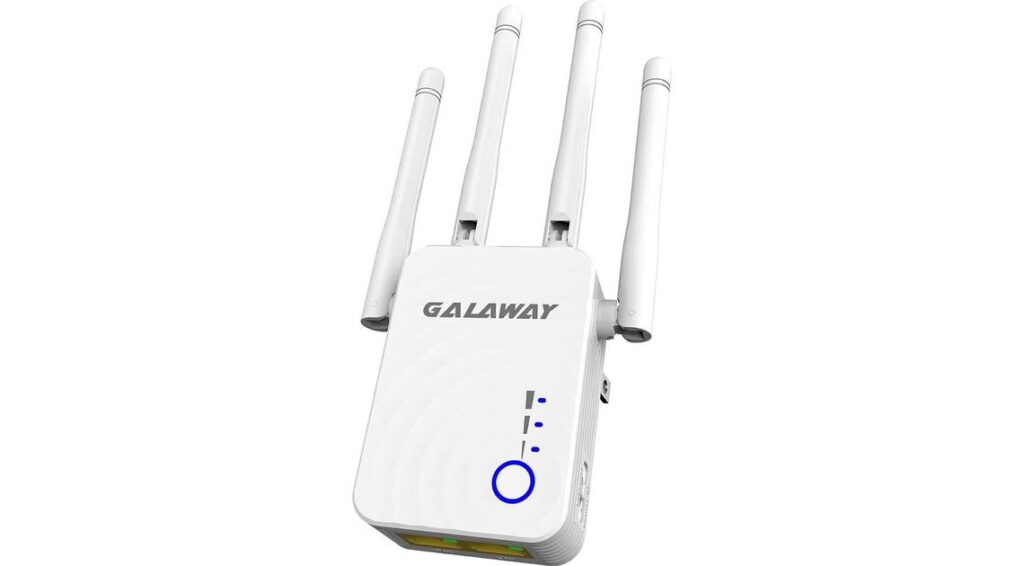
Key specs: 1200 Mbps data transfer rate, dual-band, four external antennas, universal compatibility
The Galaway WiFi Range Extender is a powerful solution for eliminating dead zones, ideal for medium-sized spaces needing enhanced Wi-Fi coverage.
Pros
Offering speeds up to 300 Mbps on 2.4 GHz and 867 Mbps on 5 GHz, this dual-band extender excels in tasks like HD streaming and gaming. Its universal compatibility ensures it works with various wireless devices. The setup is straightforward, catering to those less tech-savvy and reinforcing its position as a versatile Wi-Fi signal booster.
Cons
While efficient, there may be more cost-effective options. Its range might not cover every area in larger homes or multi-level spaces, possibly needing additional units for complete Wi-Fi coverage.
Best for Expanding Wi-Fi coverage in large spaces: SimpTronic Tech WiFi Extender

Key specs: 8500 sq. ft. coverage, 300 Mbps speed, dual-band, Ethernet port, access point mode
The SimpTronic Tech WiFi Extender is an excellent choice for eliminating dead zones in extensive areas. With 8,500 square feet of coverage and support for up to 40 devices, it’s ideal for gadget-filled homes and busy office spaces.
This dual-band Wi-Fi range extender offers wide coverage and ensures a stable internet connection throughout your space.
Pros
At 300 Mbps, the SimpTronic Tech Extender excels in high-speed internet delivery, making it a top pick for streaming, gaming, or intensive work tasks. Its easy setup is welcoming for all users, enhanced by WPA/WPA2 security for a secure Wi-Fi network.
The 18-month warranty and constant technical support add reliability. Its dual-band capability and Ethernet port offer versatile connectivity options.
Cons
This extender’s higher cost might deter some buyers, especially those in smaller spaces where its extensive coverage isn’t necessary. The 5.3-ounce weight makes it bulkier than some competitors, potentially a downside for users preferring a more discreet device.
Best for Eliminating Wi-Fi Dead Zones in Home and Office: TP-Link WiFi Extender (RE220)
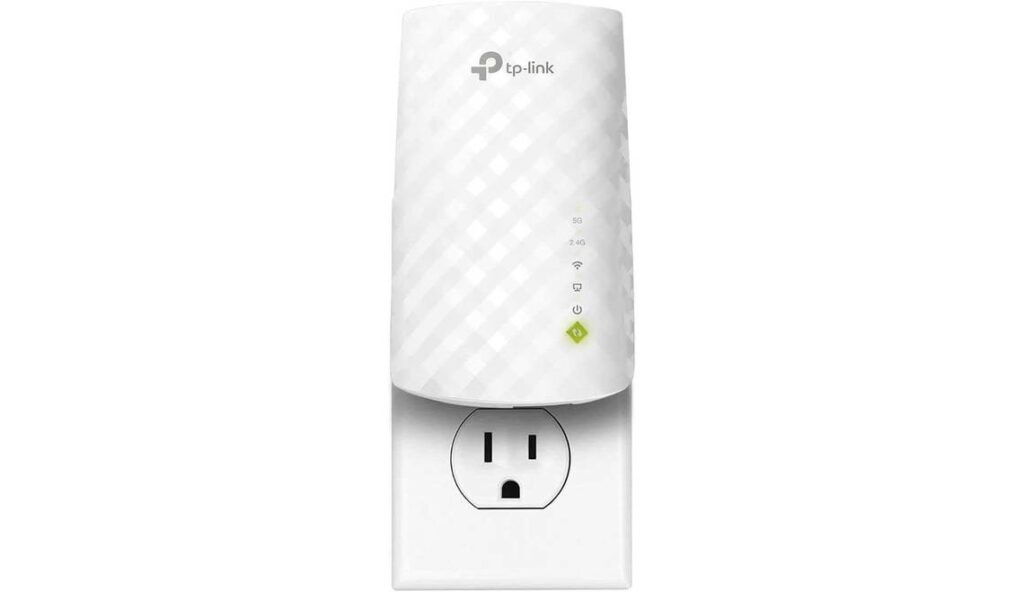
Key specs: Dual-band (2.4 GHz & 5 GHz), 733 Mbps data transfer rate, universal compatibility, compact design
The TP-Link RE220 is a lifesaver for weak Wi-Fi spots around your home or office. Designed as a compact yet powerful Wi-Fi range extender, it ensures consistent connectivity in hard-to-reach corners of your home.
Pros
The TP-Link RE220 shines with its dual-band Wi-Fi capabilities, offering up to 733 Mbps data transfer rate and supporting about 30 devices — great for small offices or active homes. Its enhanced bandwidth ensures a smooth, stable connection, while its universal compatibility and ease of setup make it user-friendly. The compact design is a subtle addition to any room, saving space and avoiding outlet obstruction.
Cons
On the downside, its 80 Mbps limit on the 5GHz band might not suffice for users with high bandwidth demands, like gaming or 4K streaming. While it’s a reliable WiFi booster, those needing faster speeds in extensive areas might find it lacking. Its price is also slightly above some alternatives, a potential consideration for shoppers.
The Bottom Line
If you own a smart TV, game consoles, or simply want your Wi-Fi to perform well on speed tests, it might be time to look into a new extender. Each model highlighted offers unique benefits tailored to different needs and spaces.
Sources: