
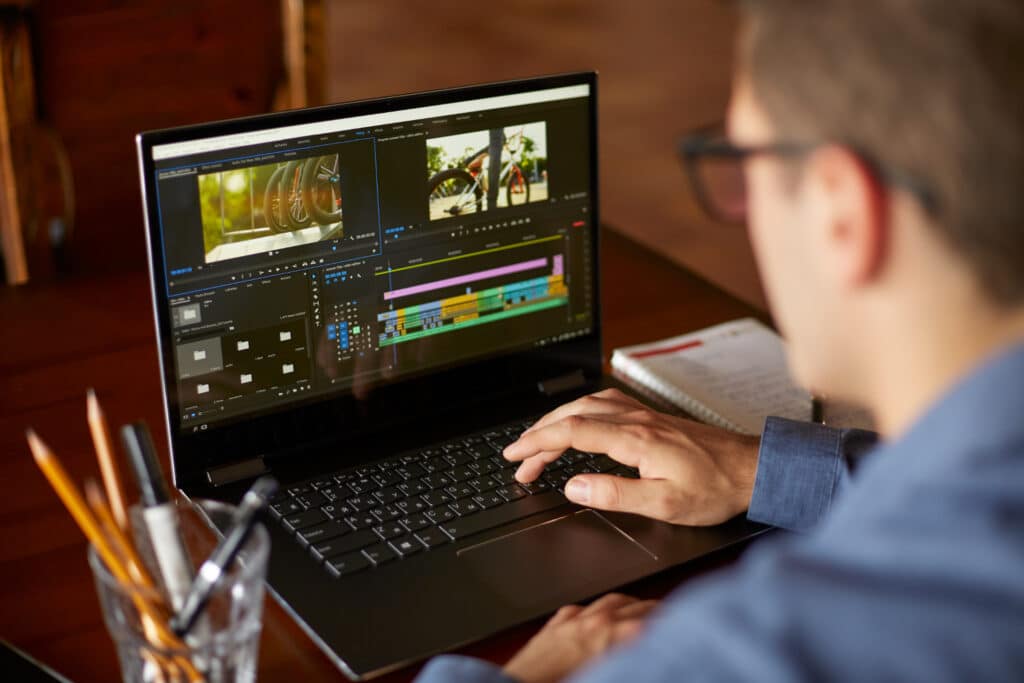
If you’re a digital creator, you know that choosing the right laptop is as crucial as the content you create. In this ultimate guide, we’re highlighting the 10 best laptops for video and photo editing, each tailored for different needs, styles, and budgets.
Whether you’re a Photoshop pro, a Lightroom enthusiast, or a video editing virtuoso, this lineup has you covered.
Before we roll out the red carpet for these technological marvels, let’s go over some basic buying guidelines to help you choose the right laptop for your needs:
- Powerful CPU and GPU: For the heavy lifting in Adobe Photoshop or Lightroom, you need a laptop with a strong CPU and GPU. Look for the latest Intel Core i7 or AMD Ryzen processors and high-end graphics cards like NVIDIA GeForce RTX.
- Connectivity Options: HDMI, Thunderbolt 4, and USB-C ports keep you plugged into your creative ecosystem.
- Ample RAM and SSD Storage: Multitasking in photo editing software demands RAM that keeps pace. Aim for at least 16GB. Also, a speedy SSD (think 512GB or more) is essential for quick access to your photo libraries.
- Long Battery Life: For editing on-the-go, a laptop with extended battery life is a game-changer.
- Stellar Display: An IPS or OLED display with high resolution and color accuracy (DCI-P3 or Adobe RGB) brings your creations to life.
Whether you’re a professional, a hobbyist, or somewhere in between, this guide is tailored to help you find the best laptop that resonates with your creative spirit. From the sleek Apple Mac lineup to the versatile ASUS Zenbook, each laptop has been chosen for its unique ability to cater to the diverse needs of the creative community.
Best for Creative Professionals and Tech Enthusiasts: Apple 2023 MacBook Air
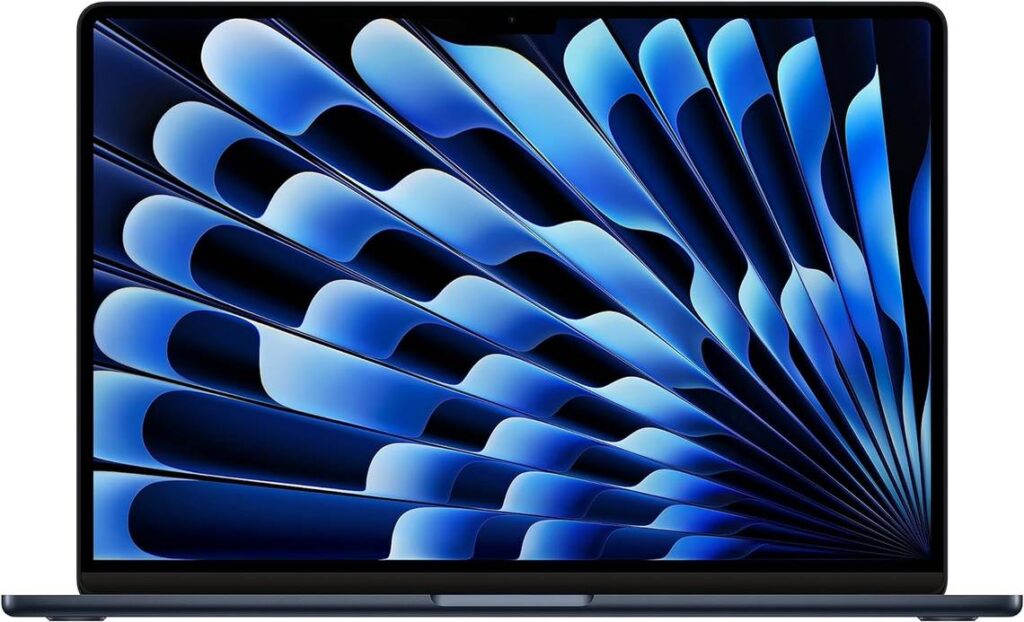
Key specs: 15.3-inch Liquid Retina display, Apple M2 Chip, 8 GB RAM, 256 GB SSD
The Apple 2023 MacBook Air dazzles with its design and performance, making it more than just a laptop — it’s a statement for the design-conscious.
Pros
The Apple MacBook Air shines with its M2 chip, delivering great performance for creative tasks like photo editing. Its unified memory aids seamless multitasking, essential for Adobe suite users. The fanless design ensures quiet operation, and its extended battery life is perfect for long editing sessions.
Cons
Its performance, while impressive, doesn’t always match up with competitors in the same price bracket, like some Dell XPS models. The premium cost reflects its brand value, potentially stretching the budget. Suitable for general use but might not meet the demands of power users.
Best for Everyday Productivity and Light Entertainment: Acer Aspire 3
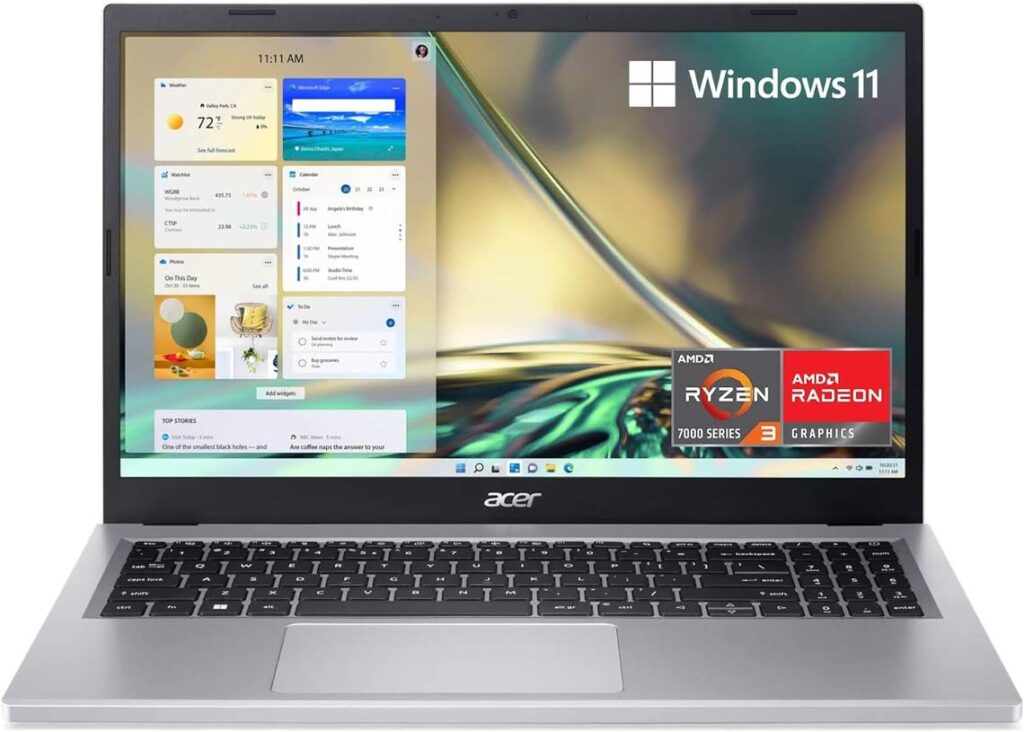
Key specs: 15.6-inch full HD IPS display, AMD Ryzen 3, 128GB SSD, 8GB RAM, Wi-Fi 6, backlit keyboard
The Acer Aspire 3 combines efficiency and style, making it an ideal choice for those seeking a sleek, capable laptop for daily tasks and casual entertainment.
Pros
Balancing performance with portability, the Acer Aspire 3’s AMD Ryzen 3 processor handles everyday multitasking effortlessly, ideal for work and leisure. Its Full HD IPS display offers vibrant visuals, and the backlit keyboard adds convenience. It also comes packed with Wi-Fi 6 connectivity, ensuring a stable and speedy internet connection.
Cons
The limited 128GB storage might be insufficient for those with extensive media libraries, necessitating external solutions. Making matters worse, it lacks an SD card reader. What’s more, its integrated graphics are adequate for casual use but fall short for intensive gaming or professional-level graphic design.
Best for Tech-Savvy Multitaskers: HP 2023 Touchscreen

Key specs: 15.6-inch touchscreen, Intel Core i3, 64GB RAM, 2TB SSD
Experience the blend of efficiency and interaction with the HP 2023 Touchscreen. Ideal for multitaskers, this laptop brings speed and tactile control to your fingertips.
Pros
A tech wizard’s haven, the HP 2023 Touchscreen, with its 64GB RAM and 2TB SSD, banishes lag, making photo editing a dream. The touchscreen invites a more tactile experience, essential for those hands-on with their tasks. The Intel UHD Graphics render visuals in stunning clarity, vital for editing precision.
Cons
The laptop’s screen resolution, capped at 1366 x 768, might disappoint detail-seekers. Night-time users may miss a backlit keyboard, and the price point, reflecting its speed and storage prowess, might stretch some budgets, especially for those prioritizing ultra-high-definition visuals.
Best for Day-to-Day Versatility: Dell 2023 Inspiron 15
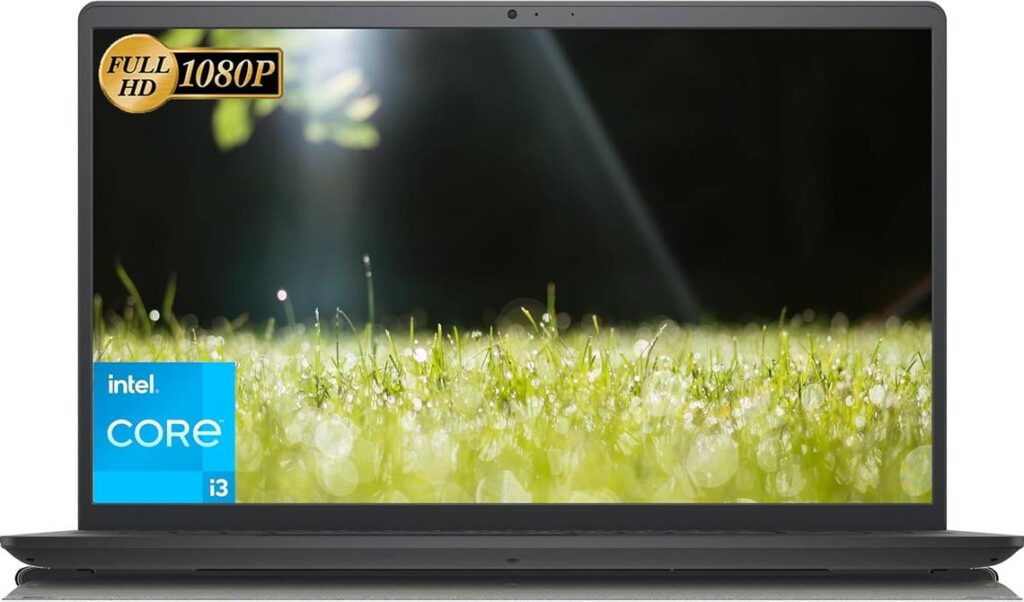
Key specs: 15.6-inch FHD display, Intel Core i3, up to 32GB RAM, up to 2TB SSD, Wi-Fi 6
The Dell 2023 Inspiron 15 is your everyday champion, seamlessly blending work, web browsing, and entertainment in a sleek package.
Pros
Balancing performance with practicality, the Dell Inspiron 15 excels in everyday tasks thanks to its Intel Core i3 and up to 32GB RAM. Store a library’s worth of data with ease on its 2TB SSD. Its 15.6-inch FHD display and Wi-Fi 6 enhance both work and play.
Cons
While it’s just fine for routine tasks, the Inspiron falls short for intensive graphic design or advanced gaming due to its basic Intel UHD Graphics. At 3.65 pounds, it’s not the most portable, and the connectivity options, though sufficient, might leave tech aficionados craving more.
Best for Multitasking and Online Productivity: HP Chromebook
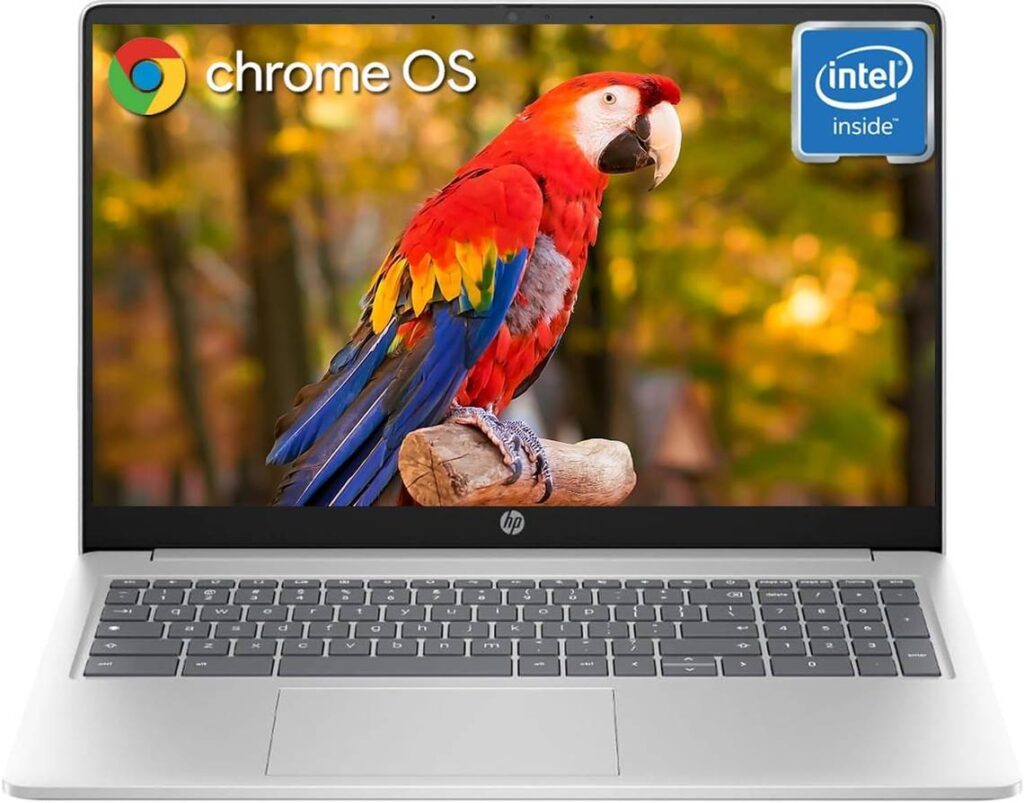
Key specs: 15.6-inch HD display, 8GB RAM, 320GB storage, Intel Processor N200, Chrome OS
In the world of the HP Chromebook, you get snappy multitasking and online efficiency. Tailored for the bustling digital life, it’s a match made for professionals and students who demand tech that keeps up.
Pros
The HP Chromebook boasts a 15.6-inch HD display, a perfect canvas for video editing or indulging in your favorite shows. Its 8GB RAM is a multitasker’s delight, handling numerous apps and browser tabs with grace.
The 320GB storage, blending eMMC and MSD card, caters to your storage needs. Intel strikes a fine balance with N200 processing power, offering efficient performance for diverse tasks. Don’t forget the 11+ hours of battery life, a savior for the always-on-the-go crowd.
Cons
However, it’s not perfect. The 1366 x 768 resolution might leave photo editors wanting more. The eMMC part of the storage, while sizable, could hinder your pace with slower data transfers. The battery, though long-lasting, may fall short during intense use. Plus, the price tag might give pause to budget-conscious buyers.
Best for On-the-Go Editing: 2022 Apple Macbook Pro
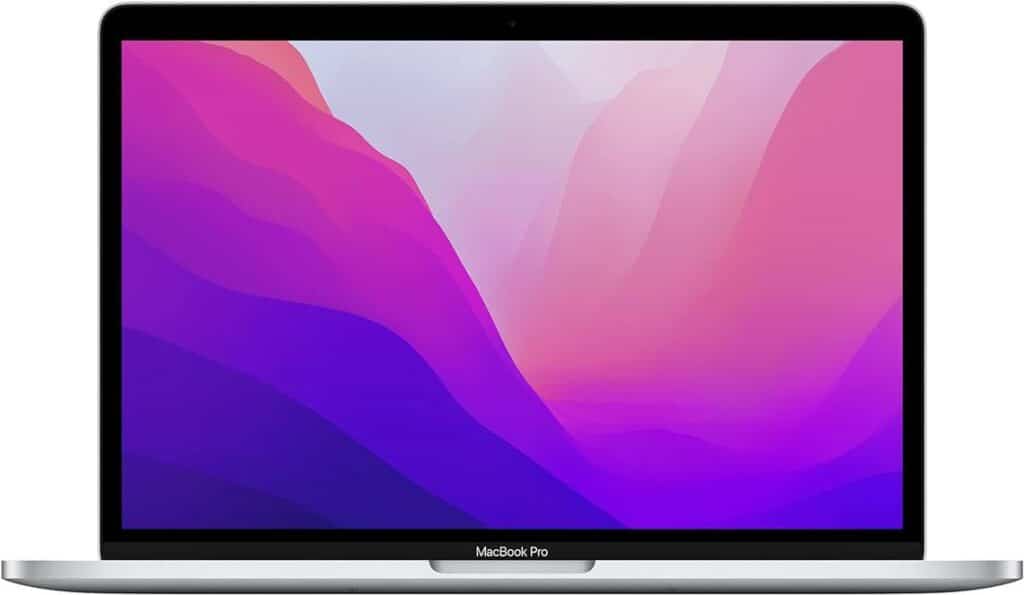
Key specs: 13.3-inch screen, Apple M2 chip, 8 GB RAM, 256 GB storage
The 2022 Apple Macbook Pro is a powerhouse for nomadic creatives. Boasting a stunning Retina display and the formidable M2 chip, it’s a dream device for graphic designers and video editors who crave power and portability.
Pros
The MacBook Pro’s M2 chip is a showstopper, turbocharging editing tasks with its 8-core CPU and 10-core GPU. Its 20-hour battery life is a game-changer for relentless creators. The active cooling system ensures peak performance without the heat drama. Its backlit keyboard and HD camera with studio-quality mics make both work and virtual meetings a delightful experience.
Cons
There are a few caveats. For example, the limited USB ports could have you shuffling for adapters, a familiar Apple quirk. Intense audio and video tasks may dent the impressive battery life. The 256 GB storage can feel a bit cramped for high-volume projects.
Best for Power Users in Video and Photo Editing: LG Gram Lightweight
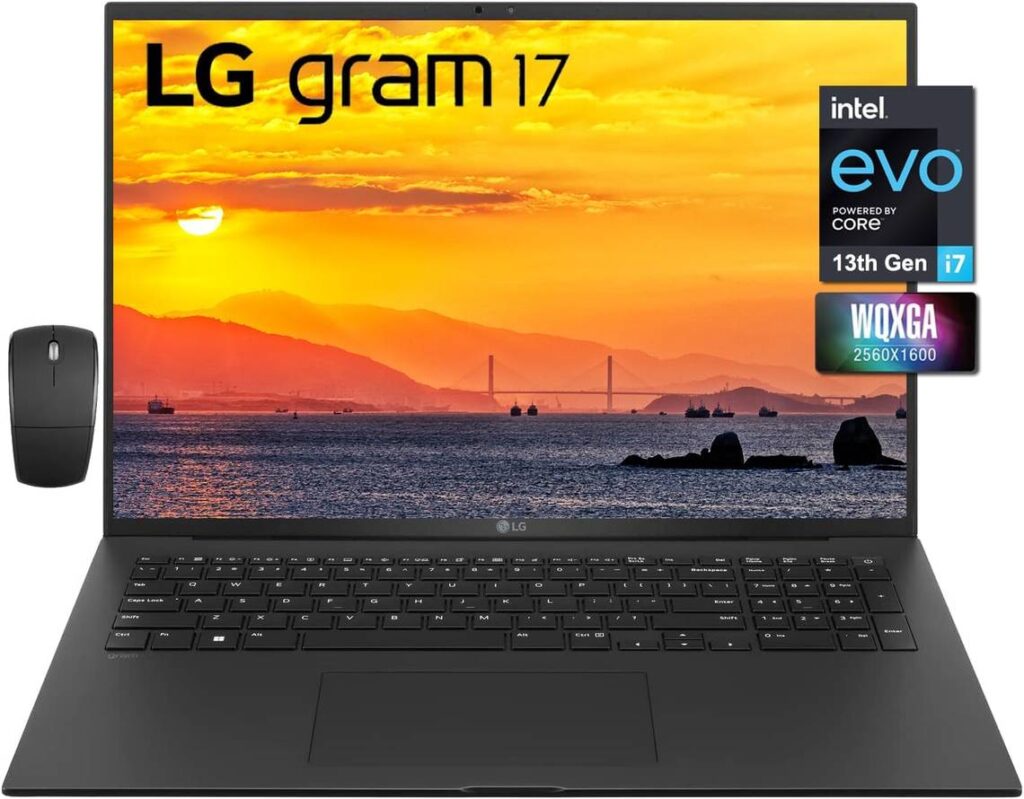
Key specs: 17-inch WQXGA IPS anti-glare display, 13th Gen Intel Core i7-1360P processor, 32GB RAM, 1TB SSD
The LG Gram 17 Lightweight Laptop, a sleek fusion of power and portability, elevates video and photo editing to new heights with its impressive specs.
Pros
A true powerhouse, the LG Gram 17 dazzles with its formidable 13th Gen Intel Core i7 and a massive 32GB RAM, effortlessly managing the most complex editing tasks. The 17-inch WQXGA IPS anti-glare display brings visuals to life, offering clarity and comfort for prolonged editing marathons.
Plus, the Intel Iris Xe Graphics enhances your creative output, be it in Adobe Photoshop or during a casual gaming break. At under three pounds, it’s the photo editing laptop that won’t weigh you down.
Cons
However, excellence has its cost. This high-end laptop sits in a lofty price range, potentially daunting for budget-conscious creatives. The integrated graphics, while impressive, might not satisfy the demands of hardcore gamers or pros seeking extreme graphical muscle.
Additionally, its 1TB SSD could eventually call for external storage solutions for those extensive editing projects.
Best for On-the-Go Productivity and Creative Tasks: ASUS Zenbook
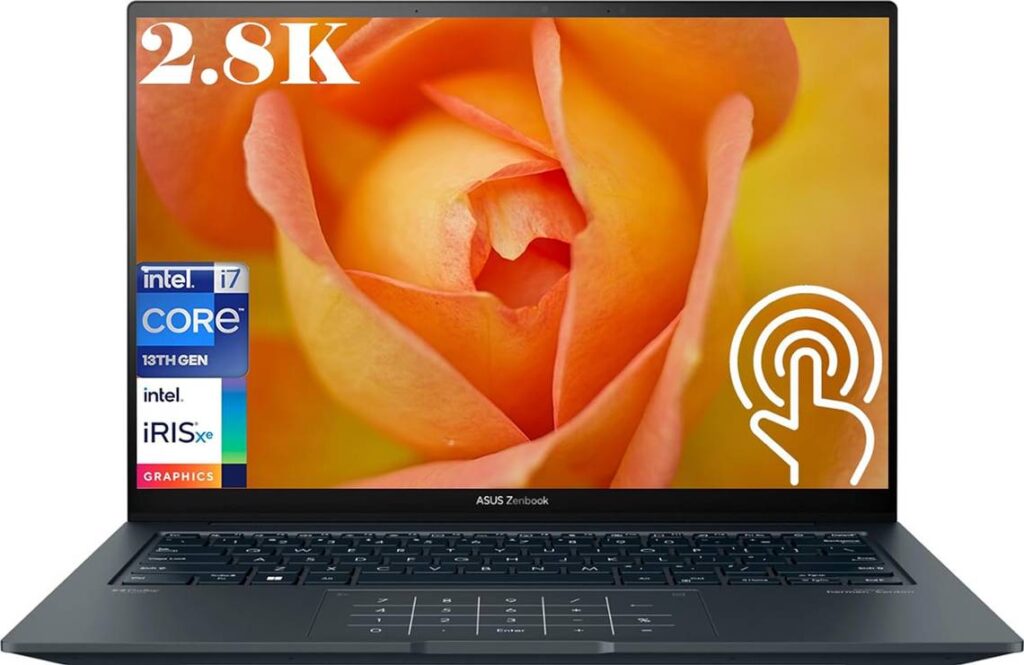
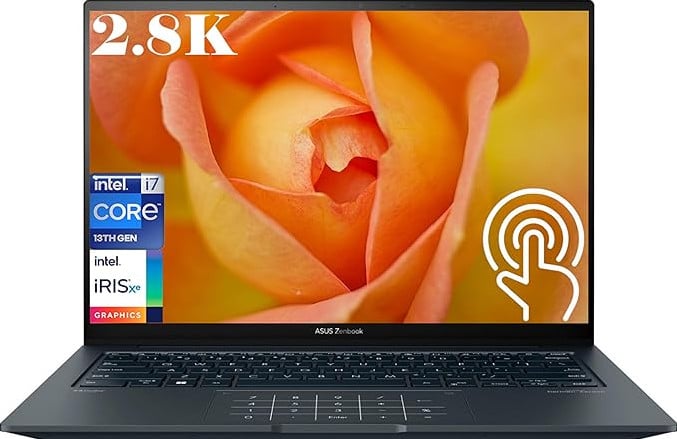
Key specs: 14.5-inch OLED touch display, Intel Core i7, 16GB RAM, 1TB SSD
Unleash creativity on the move with the ASUS Zenbook 14X, where sleek design meets powerhouse performance. Packed with functionality, it’s ideal for dynamic editing and productivity.
Pros
Behold the ASUS Zenbook 14X: a stylish marvel in inkwell gray. Its 14.5-inch 2.8K OLED screen is visually stunning with 100% DCI-P3 accuracy, making every task a visual escapade.
Its touch feature means photo editors can interact with their work more intuitively. Factor in the Harman Kardon audio, and you’ve got a multimedia giant that’s also a travel-friendly 3.48 pounds — perfect for editing on the fly.
Cons
This sophistication has its price, putting it in the high-end bracket. For the budget-conscious, it’s a ponder-worthy splurge. Plus, its Intel Iris Xe Graphics, while competent, may not satisfy the most demanding of graphic designers or gamers.
Best for High-Efficiency Video and Photo Editing: Lenovo 2002 Ideapad
Key specs: 15.6-inch anti-glare FHD display, 11th Gen i7, 16GB RAM, 512GB SSD
The Lenovo 2002 Ideapad stands as a titan of efficiency, armed with a dynamic 11th Gen i7 and a Full HD touchscreen, tailor-made for creative brilliance in editing.
Pros
Enter the Ideapad arena, where top-tier specs reign supreme. Its 16GB DDR4 RAM and 512GB SSD redefine the editing experience — less waiting, more creating.
The display, while not ultra-sharp, still brings a clear, colorful world to your fingertips. The bonus features? A backlit keyboard and a fingerprint reader enhance both convenience and security.
Cons
While it’s a strong performer, the Ideapad’s display might leave resolution-focused professionals wanting more. It’s a trade-off — accept slightly less sharpness in exchange for solid performance. For those prioritizing flawless precision, this might be a slight hiccup in an otherwise impressive package.
Best for High-Performance Gaming and Content Creation: MSI Crosshair
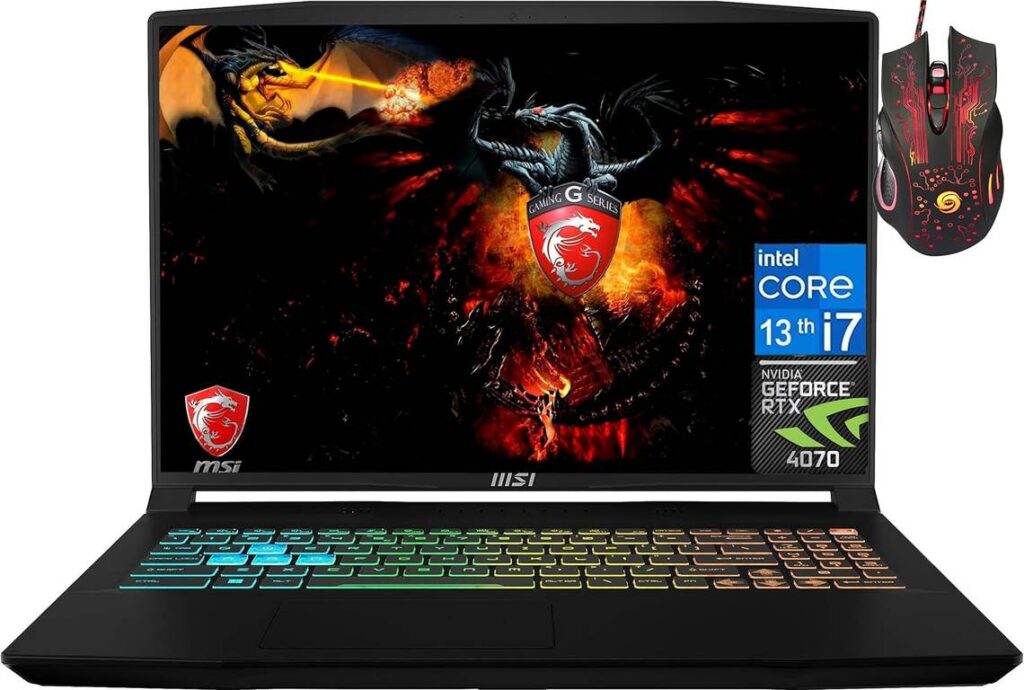
Key specs: 16-inch full HD+ display, Intel Core i7 13620H, NVIDIA GeForce RTX 4070, 32 GB RAM, 2 TB SSD
The MSI Crosshair is a Windows laptop that’s designed for gaming and content creation. It combines high-end specs with a stylish design, offering a nice balance of power and aesthetics.
Pros
Dominating the scene with its Intel Core i7 processor, the MSI Crosshair gaming laptop rockets to 5.40 GHz, catering to the demands of gamers and creative professionals. It’s not just about speed — the NVIDIA GeForce RTX 4070 ensures every pixel on its 16-inch display is a visual treat.
Much more than a display, it comes armed with a 144Hz refresh rate. Then there’s the mammoth 32 GB RAM and 2 TB SSD, transforming tasks from mere processes to smooth, lightning-fast operations. The Windows 11 Home elevates your computing experience, and the backlit keyboard is like a beacon during those late-night creative bursts.
Cons
The MSI Crosshair weighs in at over 5 pounds. This is sure to prove challenging for the mobile user. And while its price reflects its high-end specs, it’s an investment that may cause some pause. But for those requiring top-notch performance for photo and video editing, this powerhouse justifies its tag.
The Bottom Line
Your next creative project is always an exciting journey, and choosing the right laptop can be the first step toward realizing your artistic vision. Each laptop highlighted here today offers a unique blend of features to enhance your photo and video editing experience.
Remember, the best laptop for photo editing is one that not only fits your technical needs but also feels right in your hands, inspiring you to push the boundaries of creativity. So pick the one that speaks to you and let your creative journey unfold!
Sources: