

From virtual learning to taking notes in the classroom to conducting research using the Internet, laptops are indispensable for college students. And unlike desktop computers, laptops are portable, meaning you can use them in your dorm room, the library with your wireless headphones, the local coffee shop, or even the quad on a sunny day. With ongoing improvements in solid-state memory, processing speed and battery life, the best laptops for college students can do everything a good desktop can and often at cheaper cost.
To help you pick the right laptop for your needs, we’ve researched many different brands, including HP laptops, Apple laptops, Dell laptops, and more. We assembled a list of best-in-class laptop computers to fit all needs and budgets, from capable Chromebooks to models that will appeal to business or creative students. Here is our list of best laptops for college students.
The Best Laptops for College Students of 2024
- Best Overall: Acer Aspire 5
- Best Budget: ASUS 2023 Newest Vivobook
- Best Apple: Apple 2024 MacBook Air 13-inch Laptop with M3 chip
- Best Chromebook: HP Chromebook 14 Laptop
- Best 2-in-1: Dell – Inspiron 14.0″ 2-in-1 Touch Laptop
- Best for Battery Life: Apple 2023 MacBook Pro Laptop
- Best for Durability: Lenovo Ideapad 3 Laptop
- Best for Creative Students: Microsoft Surface Laptop Studio
- Best for Business Students: Lenovo ThinkPad L14 Business Laptop
Best Overall: Acer Aspire 5
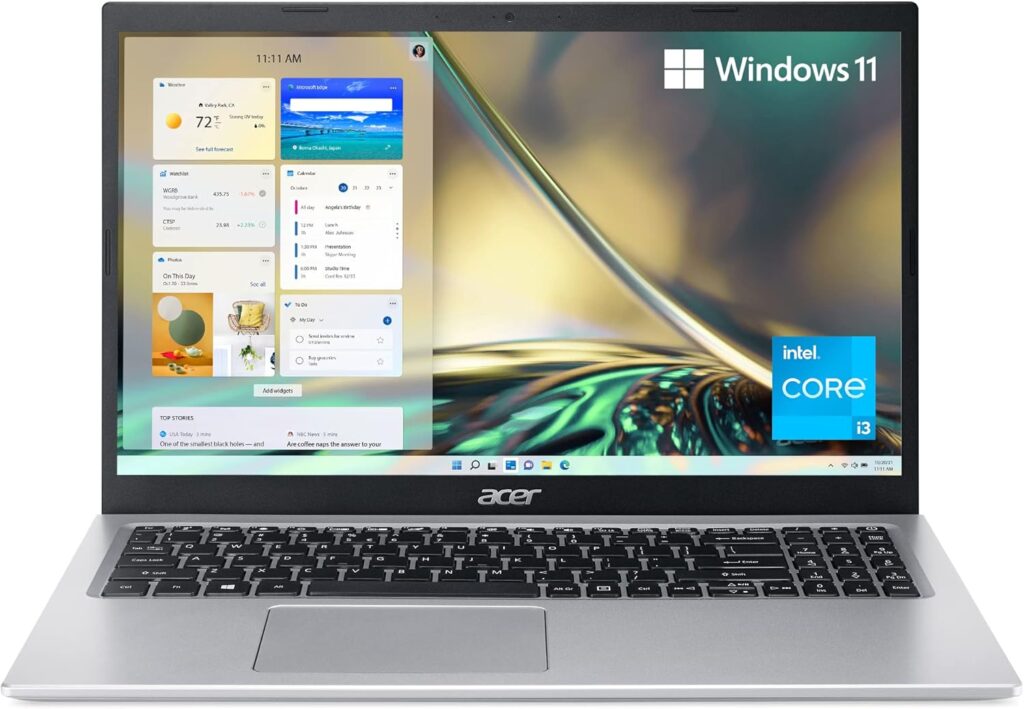
Key Specs
- Processor: 4.1 GHz Intel Core i3-1115g4
- Storage: 128 GB SSD
- Weight: 3.64 pounds
- Battery Life: 7-8 hours
Pros:
- Superior processing speed
- High-resolution 15.6-inch HD IPS screen
- Slim body with flexible 130-degree screen tilt
Cons:
- Computer speed affected by installed “bloatware” that requires effort to fix
With its 11th generation Intel Core i3 processor and Wi-Fi 6 connectivity, the Acer Aspire 5 has plenty of power to handle multiple tasks (and even a bit of gaming if you need to take a breather from your studies). The dual-band Wi-Fi connection allows for speedy internet browsing and video streaming, and the computer boasts USB Type-C, USB 3.2 and HDMI ports for easy connections to hard drives, accessories and monitors.
We were particularly impressed with the crisp resolution of the 15.6-inch full HD IPS display, as well as its ultra-thin design, which makes it ideal for portability. The computer does come loaded with software that you may not need, but as long as you don’t mind cleaning out your laptop, the Acer 5 gets our vote as an exemplary combination of power and performance.
Best Budget: ASUS 2023 Newest Vivobook
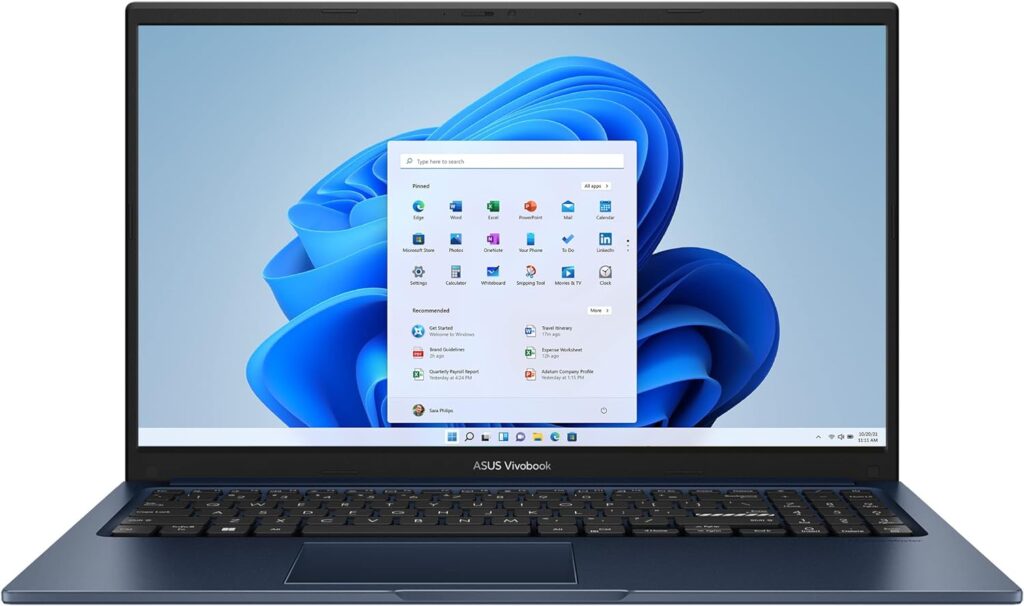
Key Specs
- Processor: 4.4 GHz Intel Core i3
- Storage: 512 GB SSD
- Weight: 3.75 pounds
- Battery Life: 7-8 hours
Pros:
- Generous hard drive storage and RAM memory
- Plethora of USB ports for extra accessories and drives
- Backlit keyboard
Cons:
- Disappointing battery life
- Underpowered for gaming and video streaming
Asus has made its reputation on building inexpensive but reliable computers, and its Vivobook 15 is no exception, which is why it’s our budget pick for best laptops for college students. Its generous amount of built-in solid-state memory storage makes it a breeze to store a bunch of files, and its responsive i3 processor is sturdy enough to handle most college-related tasks. We also appreciated the backlit keyboard, which is a big help in dim lighting conditions.
If you’re looking for a computer that can handle multi-tasking, gaming or video streaming, you’ll find better options on this list, but for a dependable all-around machine that won’t break the bank and provides all the features one needs in a laptop for school, you can’t go wrong with the Vivobook.
Best Apple: Apple 2024 MacBook Air 13-inch Laptop with M3 chip
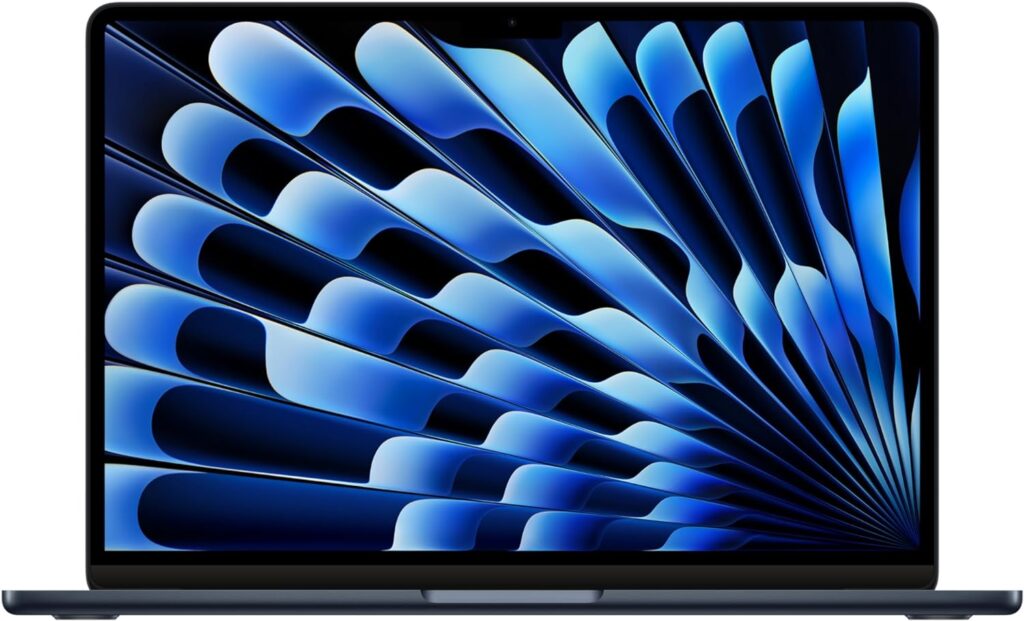
Key Specs
- Processor: M3 chip
- Storage: 256 GB SSD
- Weight: 2.7 pounds
- Battery Life: 7-8 hours
Pros:
- Superior video and audio capabilities
- Plethora of USB ports for extra accessories and drives
- 18-hour battery life
Cons:
- High cost
Those who say looks aren’t everything haven’t seen Apple laptops, or the latest edition of the MacBook Air. As with previous Airs, the new model has a sleek look and a Liquid Retina display of a billion colors, but it also has an M3 processor that makes it up to 1.6 times faster than previous editions. Its whopping 18-hour battery also ensures that you can work from dawn to dusk (or dusk to dawn) without interruption.
With all Apple computers, you pay a high price for quality, and the Air won’t be ideal if you’re on a budget. But if you’re looking for a laptop that can take on heavy-duty multimedia tasks like graphic design, video editing or audio mixing, the Air stands tall as an impressive machine.
Best Chromebook: HP Chromebook 14 Laptop
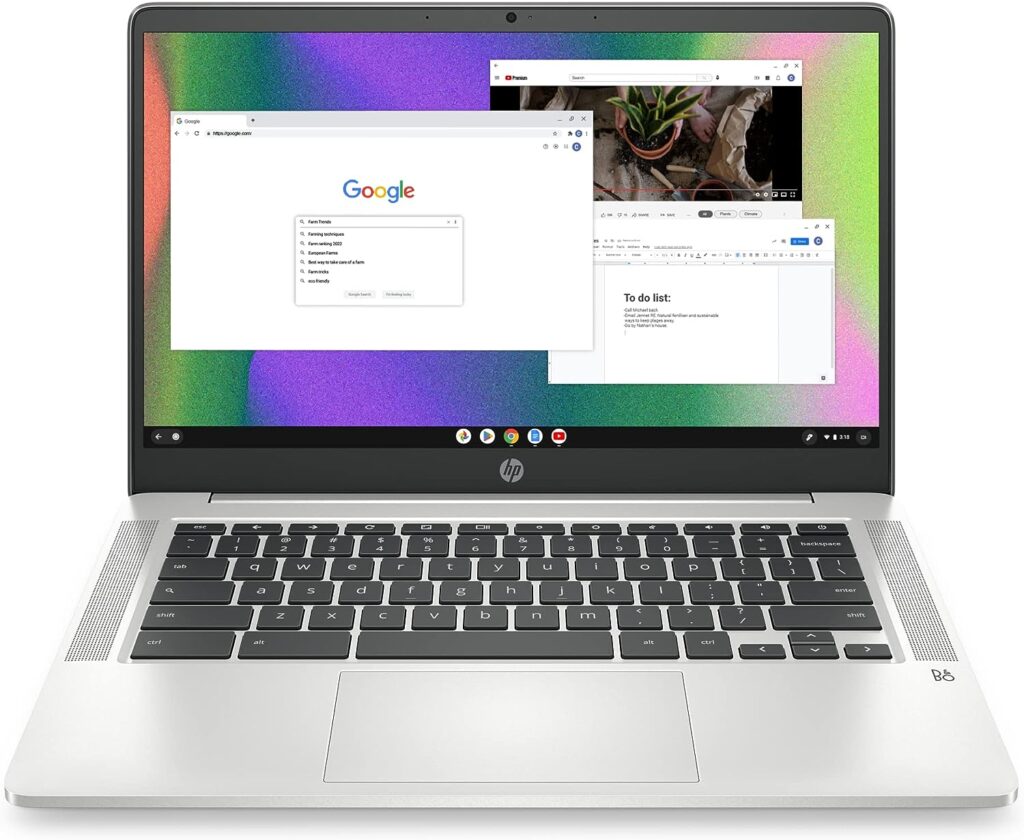
Key Specs
- Processor: 1.1 GHz Intel Celeron N4120
- Storage: 64 GB SSD
- Weight: 3.24 pounds
- Battery Life: up to 14 hours
Pros:
- Smooth, fast performance
- Decent amount of storage
- Excellent battery life
Cons:
- Doesn’t run Windows OS or programs
- Not ideal for heavy multitasking or video streaming
If your classes (and homework) mainly utilize Google apps, including Google Docs and Sheets, then a Chromebook can be a smart buy. Of all the HP laptops that are based on Google, we like the Chromebook 14 for its Intel UHD graphics processor, which can handle 4k videos, and its 64 GB of storage, which is more than sufficient for storing key documents and files. Its 14 hours of battery life and fast-charge technology (from 0 to 50% in 45 minutes) also mean that you won’t have to worry about running out of juice, even if power outlets are few and far between.
Though its feature set doesn’t include Windows, the Chromebook 14’s speed and efficiency make it a worthy laptop on our list, especially if you’re looking for an efficient, reasonably priced computer that can take on straightforward tasks such as creating text documents and spreadsheets.
Best 2-in-1: Dell – Inspiron 14.0″ 2-in-1 Touch Laptop
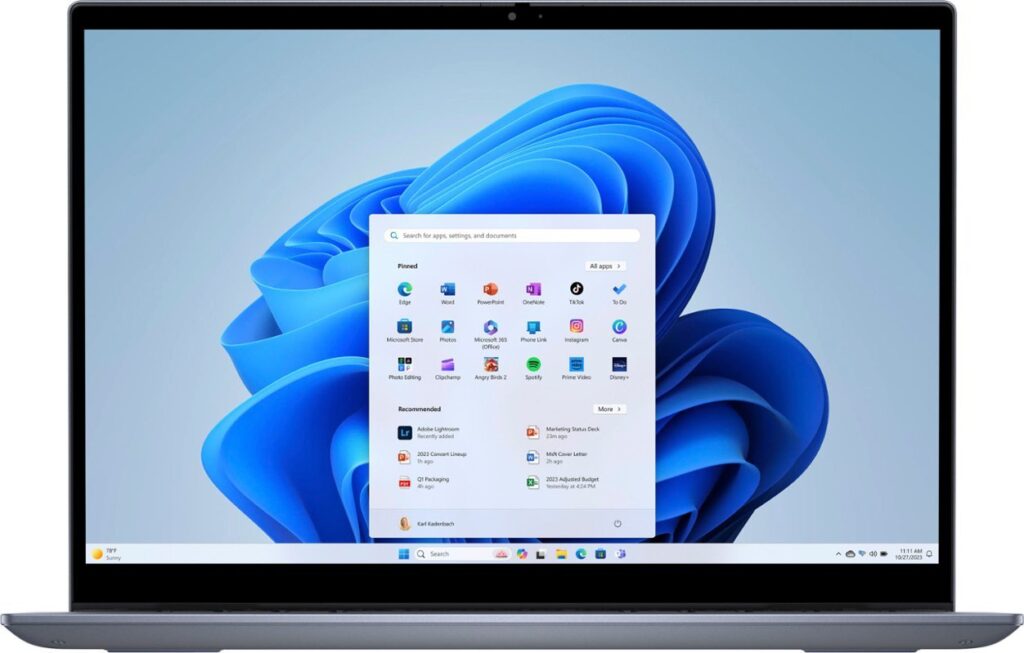
Key Specs
- Processor: AMD Ryzen 5 7000
- Storage: 512 GB SSD
- Weight: 3.61 pounds
- Battery Life: Up to 14 hours
Pros:
- Good performance as desktop or tablet
- Reasonably priced compared to similar models
- Good amount of battery life
Cons:
- Display a bit dim compared to other laptops
- Computer fan noise can be loud
Of all the Dell laptops we reviewed, we rated the Dell 2-in-1 Inspiron as one of the best laptops for college students. You can use it as a laptop or a tablet, thanks to its 360-degree display hinge, while responsive 14-inch FHD+ touchscreen gives you all the functionality and convenience of a tablet. Its six-core AMD Ryzen 5 processor also provides plenty of oomph to multitask on software, apps and streaming video.
The Inspiron’s slim profile makes it one of most portable laptops on our list, even if it’s not that much lighter than other laptops. While some take issue with the screen brightness compared to similar machines, the Inspiron still ranks high with us because of its battery life and overall performance.
Best for Battery Life: Apple 2023 MacBook Pro Laptop
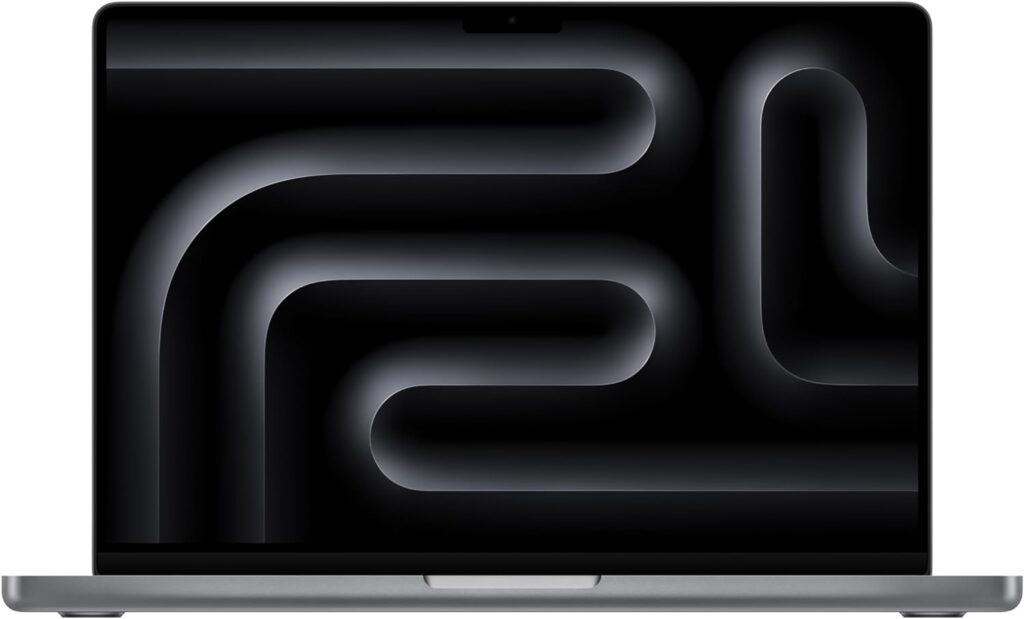
Key Specs
- Processor: 1.1 GHz Intel Celeron N4120
- Storage: 512 GB SSD
- Weight: 3.4 pounds
- Battery Life: Up to 22 hours
Pros:
- Extra-long battery life
- High-class camera, microphone and audio system
- Excellent processor performance
Cons:
- Expensive
For a laptop that can function literally around the clock, we picked the Apple 2023 MacBook Pro as the best laptop for battery life, with up to 22 hours of runtime. It’s also a superior choice if you plan to spend a lot of time in virtual classrooms and online meetings, as its HD camera, Liquid Retina display, three-mic array and six-speaker sound system ensure you (and the people you chat with) will look and sound their best.
This laptop comes at a premium price, but the onboard M3 processor provides premium performance, along with Thunderbolt / USB 4 ports that accommodate ultra-fast data transfers. If you’re a student on the go who requires top-notch video and audio performance as well as the capability of handling large files with ease, the 2023 MacBook Pro will fill those needs.
Best for Durability: Lenovo Ideapad 3 Laptop
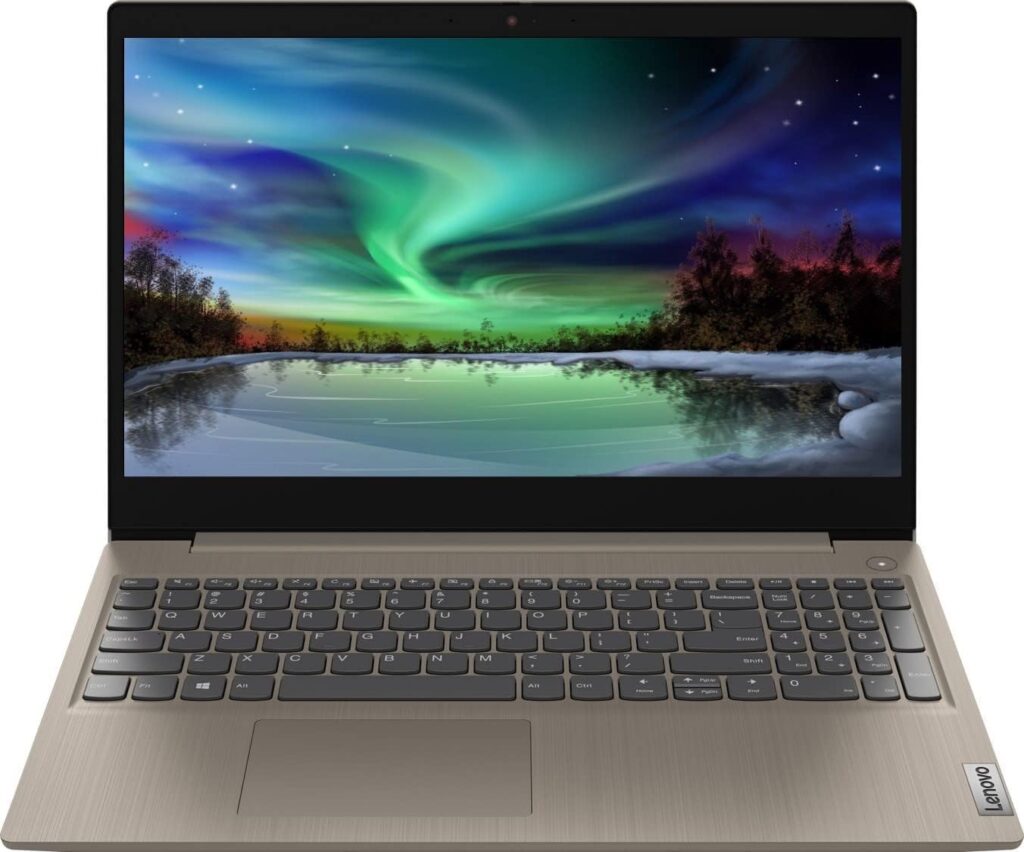
Key Specs
- Processor: 3 GHz Intel core i3
- Storage: 256 GB SSD
- Weight: 4.07 pounds
- Battery Life: Up to 7 hours
Pros:
- Solid construction
- Handles everyday computing tasks well
- Good price-to-performance ratio
Cons:
- Middling battery life
- Screen brightness and resolution
Lenovo’s Ideapads are known for solid builds, performance and pricing, and the latest version of the Ideapad 3 lives up to expectations, which is why it makes our list of best laptops for college students. For a budget price, you get decent computing power, with an i3 processor and SSD storage that should suffice for everyday tasks, including writing, emailing or streaming video. With a sturdy casing and screen hinge, this is also one laptop that won’t break easily. Users also give the Ideapad’s keyboard and touchpad, which were both responsive and easy on the fingers, a big thumbs-up.
For the budget price, you do lose a little in terms of battery life and overall processing power, and the display is functional rather than eye-popping, but if you’re the kind of student who hustles from class to class and prefers a laptop that can stand up to a little punishment, the Ideapad 3 delivers.
Best for Creative Students: Microsoft Surface Laptop Studio

Key Specs
- Processor: Intel Core i7-11700
- Storage: 1 TB SSD
- Weight: 5.92 pounds
- Battery Life: Up to 18 hours
Pros:
- Flexibility as 2-in-1 laptop and tablet
- Supports ray-traced graphics and AI tools
- Touchscreen makes for an excellent creative workspace
Cons:
- On the heavier side
- Expensive
For creative work, a flexible touchscreen makes for the best canvas, and Microsoft’s Surface laptops are still the standard in this category. The 2-in-1 Surface functions well as an ordinary laptop, but it really shines when you get to work on the detachable, foldable 14.4-inch display. Using tools such as the included Surface Slim Pen 2, you can draw, sketch and notate to your heart’s desire, and the included NVIDIA Ampere processor supports ray-traced graphics and AI tools such as image generation. The Thunderbolt USB 4.0 ports also let you connect with multiple monitors, expanding your creative canvas even further.
The Surface doesn’t skimp on regular computing tasks either. Its 1 TB storage capacity is more generous than other laptops on this list, its 18-hour battery life is upper-tier and the included Windows 11 software makes it a snap to be productive right from the jump. Whether you’re ready to unleash your inner Da Vinci or bear down on an intense video editing project, the Surface has you covered.
Best for Business Students: Lenovo ThinkPad L14 Business Laptop

Key Specs
- Processor: Intel Core i5-1135G7
- Storage: 1 TB SSD
- Weight: 3.49 pounds
- Battery Life: Up to 11 hours
Pros:
- Tough construction
- Fast-charging battery
- Robust processor and memory
Cons:
- Not as good as other laptops for heavy graphics or creative work
- 14-inch screen is on the smaller side
Reliability is one of the hallmarks of a successful business, and few come more reliable than Lenovo’s ThinkPad L14. Equipped with 1 TB of memory, Windows 11 Pro software and an i5 processor, the ThinkPad can handle just about anything you need for business classes, whether it’s breaking down data, mocking up a business plan or putting together spreadsheets. We were also impressed by its fast-charging battery (0 to 80% in an hour) and its high-qualityFHD display.
The ThinkPad features Trusted Platform Module [dTPM] data encryption and an optional fingerprint reader to ensure the security of your confidential files, and its military-grade construction is built to withstand sudden drops and jostling. In short, this is one laptop that is built for the rigors of everyday student life as well as the classroom.
How to Choose the Best Laptops for College Students
Battery Life
If your daily schedule is packed with classes and visits to the library, then good battery life is essential. Aim for at least seven to eight hours of battery life per charge and seek out laptops that have fast-charging capabilities, such as getting a near-to-full charge within an hour.
Operating System
Do you need Windows Office apps for your classes? If so, get a computer with Windows pre-installed. If you only need to handle tasks such as emails, watching videos and creating documents using Google apps, then a Chromebook is a more affordable alternative.
Price
If you’re looking for a laptop with extra memory or processing power, be prepared to pay extra. For PC laptops, it’s often cheaper to get extra RAM chips and internal/external hard drives on your own, as long as you’re okay with a bit of work on installation. Take into account your particular needs: if you only need a computer that can handle text documents and spreadsheets, along with a bit of internet browsing and video streaming, then the budget models on this page will suit you just fine.
Processor
To sort through the multitudes of processors out in the market, we recommend this CPU benchmark tool, which compares processors against each other. Based on our research, we find that a 13th-generation Intel Core i5 processor or an AMD Ryzen 7 processor are good baseline chips for handling most everyday tasks at school.
Portability and Durability
You should be able to fit a laptop with a slim profile that’s up to 14 or 15 inches wide in your backpack without any issues, so aim for a laptop within that size range. When it comes to durability, laptop casings created using metals such as aluminum are preferable, but sturdy plastic can be nearly as good, if you’re on a budget. Finally, pay attention to weight. For optimal portability, the laptop should be under four pounds.
The Bottom Line
With so many laptops on the market, it can be hard to figure out which ones are the best laptops for college students. For a solid all-around laptop that handles all tasks well, we chose the Acer Aspire 5 for its solid performance and construction. If your schoolwork is heavy on multimedia such as video editing or graphic design, both the Apple 2023 MacBook Pro and the 2024 MacBook Air laptop showcase dazzling displays and high-quality audio output as well as healthy battery life. Students who rely on Google apps will find plenty to like about the HP Chromebook 14 Laptop, which provides decent performance at a decent price. Lenovo’s ThinkPad L14 and Ideapad 3 are dependable meat-and-potatoes computers backed up by solid construction. And finally, if you’re looking for a computer that can handle a wide range of tasks that you can afford on a college student budget, the ASUS Vivobook provides the most value for money.
Frequently Asked Questions:
How do you choose a laptop for students?
To find the best laptop for students, focus on performance and price. The laptop you choose will depend on what tasks you need to use it for; there’s a big difference between using your computer for simple tasks like browsing the internet or writing papers and complicated endeavors like editing high-resolution video. Once you’ve determined how much performance you need on your laptop, search for a model that provides what you need at a price point that fits your budget. You’ll be surprised at how many laptops are out there that can provide everything (or just about everything) you need at a reasonable cost.
How much does a good laptop cost?
Laptops run the gamut from budget models to the latest high-end computers armed with the latest processors. For a reliable laptop at a reasonable price, expect to spend in the $500 range (even less for Chromebooks); you can expect to spend $1000 or more on models with features such as enhanced visual displays and top-notch processing.
Is MacOS or Windows better?
It’s better to say that the best operating system for your student laptop will depend on your specific needs. If you’re heavily involved with multimedia and graphics, MacOS scores high on related apps as well as integration with mobile devices and overall security. On the other hand, it’s easier to use Windows in important areas such as file management. It’s also easier to customize and configure a Windows system, if needed. Plus, Windows have a greater range of apps than Apple in areas such as gaming (not that we recommend gaming during class, though!).
What’s the difference between a laptop and a Chromebook?
A Chromebook is a type of laptop that is based on Google apps, such as Chrome, Google Docs and Google Sheets. If your classes use these apps, then a Chromebook can be a smart purchase, as they’re typically cheaper than most laptops. Most laptop models (i.e., Dell laptops and HP laptops) come with Windows operating systems and Windows apps pre-installed, while Apple laptops run on their own OS system. It’s possible to run Google apps on all laptops, so if you need a combination of Google and non-Google apps for your schoolwork, you’re better off getting a standard laptop.
Methodology
With so many laptops on the market, it can be hard to narrow down your search to find the best laptops for college students. That’s why we spent time doing the research for you to determine what was the best of the best. We considered the operating system, processing power, durability, internal storage, battery life, screen resolution and quality, as well as accessibility and expansion options to find the best laptops for all different types of students, no matter their budgets.
Sources
- How to Choose the Right Laptop: A Step-by-Step Guide | Wired
- Laptop buying guide: 8 essential tips to know before you buy | Laptop Mag
- What is RAM (Random Access Memory)? – Definition from SearchStorage | Tech Target
- What is CPU? Meaning, Definition, and What CPU Stands For | Freecodecamp.org
- CPU Speed: What Is CPU Clock Speed? | Intel