

Tablets aren’t just for surfing the web and streaming media. For many artists and graphic designers, they are also perfect drawing surfaces. However, finding the ideal drawing tablet for your needs can be difficult.
To make sure you buy the right device for your digital art or sketches on Amazon, Best Buy, and other retailers, look for these features in a pen tablet:
- A smooth surface and active area for a good drawing experience, plus an anti-glare screen. Think mainly about the size of the drawing area alongside other specs.
- Compatibility with multiple ergonomic pens, like the Apple Pencil and the Wacom Pro Pen 2.
- Customizable express keys for fast commands and shortcuts, which make the best tablets even better than an Apple iPad Pro and similar tools.
- Compatibility with Adobe Photoshop and other programs.
- Good battery life so you can use the digital drawing tablet for a while before recharging it.
- Excellent reviews, especially if you’re after a high-end and high-quality display tablet trusted by digital artists
- USB-C and Wi-Fi connectivity for using the tablet with other devices and computers.
- A battery-free pen for hours of drawing.
Let’s look at the 10 best drawing tablets you can buy.
Best for Use with a PC Monitor: Wacom Intuos Small Bluetooth Graphics Drawing Tablet

Wacom’s Intuos Small Bluetooth Graphics Drawing Tablet is certainly one of the best drawing tablets overall if you want to pair it with a PC monitor. Unlike other drawing tablets, it connects to a Chromebook, Android device, or any Windows PC to use as a separate device.
The tablet is perfect for use with any software program installed on your computer, either through USB cables or a wireless connection. On top of that, it comes with training software right out of the box, so it’s great for up-and-coming artists or students.
You’ll find that the tablet is responsive and durable, and even comes with a comfortable pen. All in all, it’s a standout choice if you already have a good monitor and want to use a pen tablet to transmit your ideas from your drawing area to your PC quickly and easily.
Best for Portable Drawing: Drawing Tablet HUION Inspiroy

The HUION Inspiroy Drawing Tablet is another excellent drawing tablet, but it’s particularly good if you want to draw on the go. That’s because it’s lightweight and easy to use, and it comes with six customizable hotkeys for programmable actions or shortcuts.
Combine it with a laptop of your choice, and you’ll find it fun to use. It registers 8192 levels of pressure sensitivity, so it’s highly accurate and perfect to use with any stylus. Or you can use the pen that comes with it.
This tablet is also compatible with multiple operating systems, and you can customize it for left-handed use. Consider it a functional, artistic alternative to a traditional mouse, and feel free to throw it in a travel bag, as it shouldn’t have problems if it gets jostled around in transit.
Best for Ease of Use: XPPen StarG640 Digital Graphics Tablet
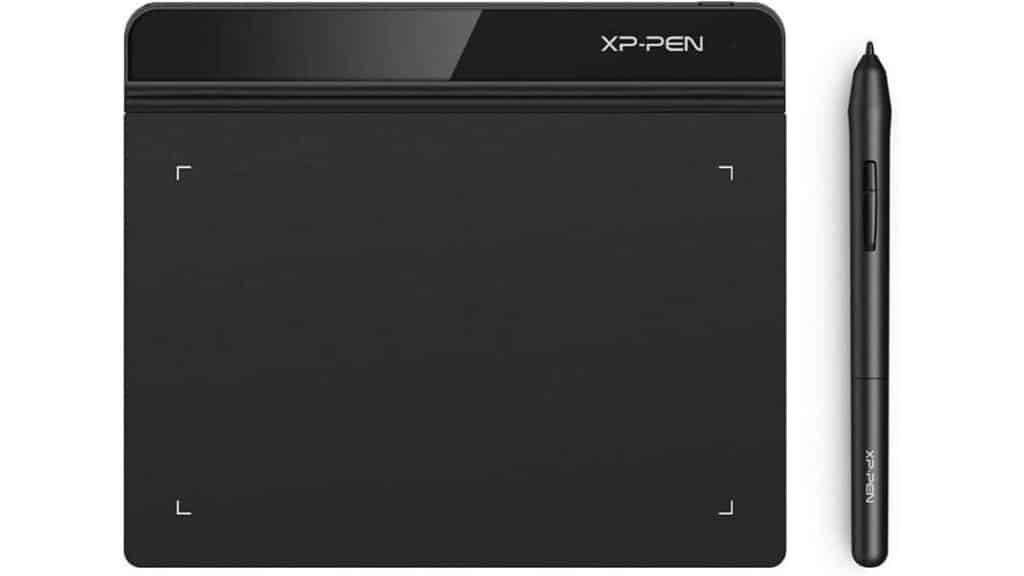
The XPPEN Drawing Tablet is simple to use and affordable. The compact, portable art tablet is two millimeters thick and designed for drawing, painting, sketching, and even gaming. It’s also compatible with popular apps and programs like Microsoft Word and PowerPoint.
On top of that, the tablet is meant to work seamlessly with any Chromebook, and it comes with a battery-free stylus. With 8192 levels of pressure sensitivity, it gives you the accuracy, fluidity, and control you need to achieve your creative aspirations.
Because it boots up and starts working immediately, you can use it for work, art, and games without loading time. The USB cable lets you hook up to any PC or laptop in your workspace, and the one-year warranty and lifetime technical support adds more peace of mind to the purchase.
Best for Beginner Artists: XOPPOX Graphics Drawing Tablet
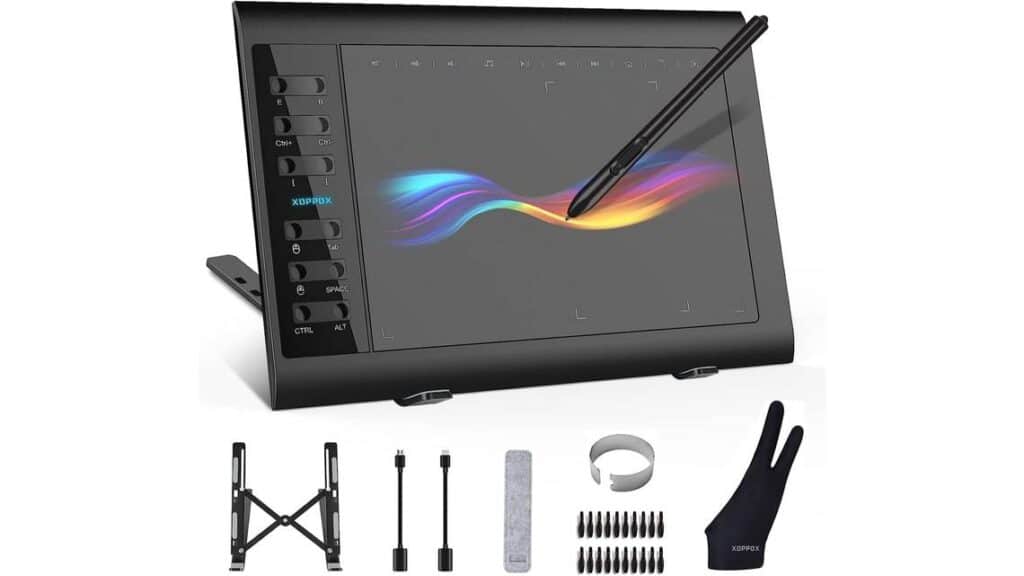
XOPPOX’s Graphics Drawing Tablet is the best drawing tablet overall for beginner artists. With a large 10 by 6-inch screen and 8192 levels of pressure sensitivity, it’s ideal for honing your artistic skills or for use as a tool in a beginner’s art class.
The pen doesn’t require a battery, and the tablet comes built with 12 hotkeys. It’s also compatible with any Android, PC, or Mac device, so you can use it with any computer you already use for your classes or your hobbies.
As soon as you connect the tablet to your computer, you can quickly install drivers and tutorial software to learn the ropes. Ultimately, it’s a great drawing tablet if you are still discovering your style and figuring out how to use a drawing tablet to its maximum potential.
Best for Younger Kids: FXIMAO LCD Writing Tablet for Kids 10 Inch

The FXIMAO LCD Writing Tablet for Kids is a highly affordable toy to entertain your little ones on the road. It allows kids to draw whatever they like, then instantly reset the tablet and wipe everything away with the touch of a button.
The drawing pen is connected to the tablet with a lanyard, which prevents it from being easily lost. Because the tablet is so affordable, though, you can quickly replace it if it’s lost or damaged.
This kids’ tablet also has a lock function to prevent your child from accidentally erasing their drawings or games. With a built-in battery that lasts a year, this is a prime toy for young kids when you want them to do something more creative than staring at a traditional tablet screen for hours.
Best for Compatibility with Many Devices: XPPen Deco LW Wireless Drawing Tablet
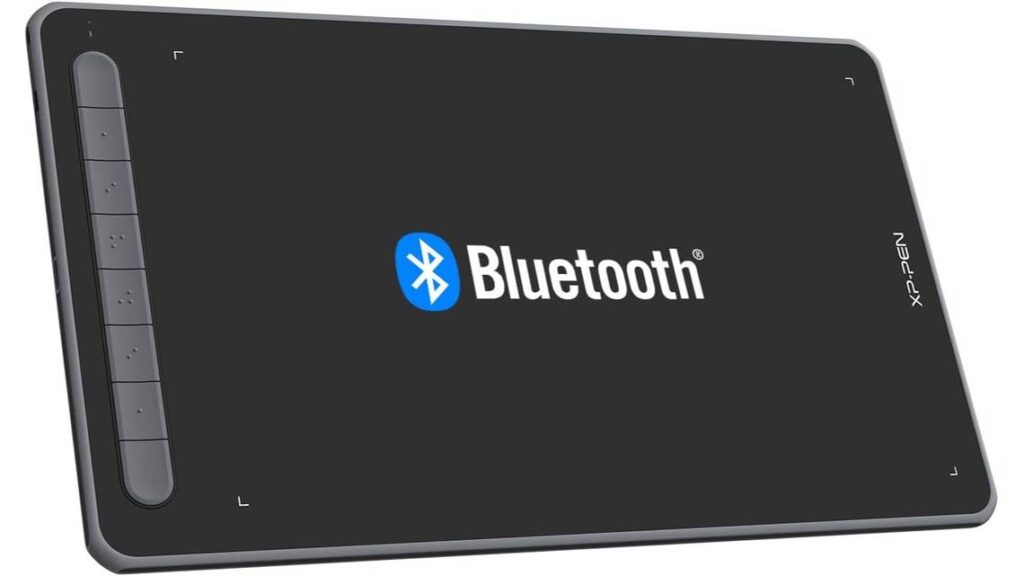
The XPPEn Deco LW Wireless Drawing Tablet comes with a 10 by six-inch screen and Bluetooth connectivity, making it the best drawing tablet in terms of overall compatibility with all the devices in your working area, including Linux devices, Macs, Android phones, and Windows 11 PCs.
As if that weren’t enough, the tablet is available in four different colors and comes with efficient, flexible drawing software. It’s all thanks to the X3 Smart Chip technology and the stylus, as well as 8192 levels of pressure sensitivity. The 60-degree tilt function allows you to create subtle, soft lines and artistic masterpieces.
Shortcut keys and onboard graphic drivers enable the tablet to work with many different software programs, like Photoshop, Painter, and Illustrator, for a smooth workflow. Choose this if you want a drawing tablet that will work with your hardware and software of choice.
Best for: Pre-teens: BUKEBU LCD Writing Tablet Doodle Board
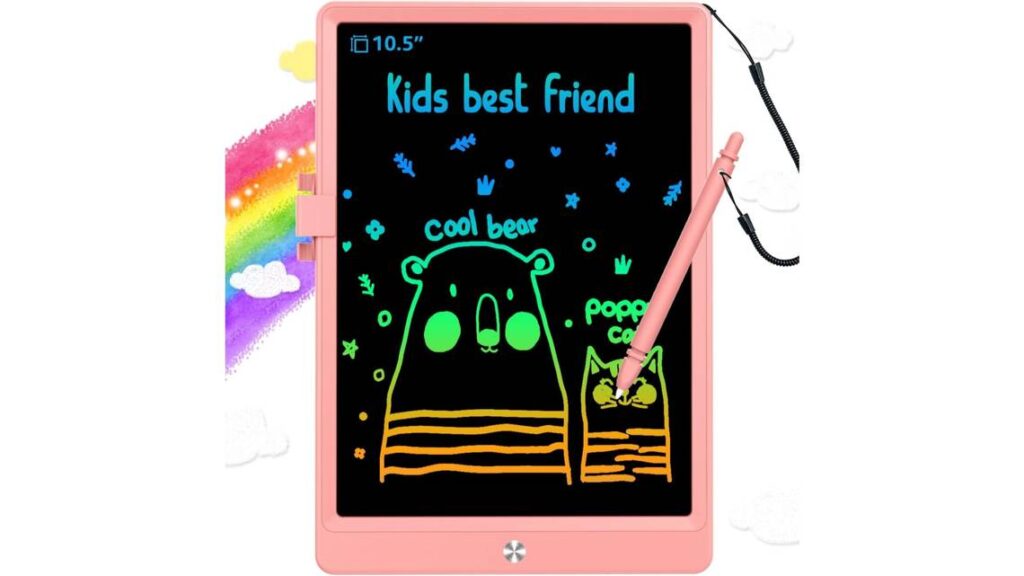
What if your kids are a little older? The BUKEBU LCD Writing Tablet is the perfect pick. It’s a drawing tablet and a doodle board, featuring an attached pen that won’t easily be lost.
This drawing tablet for kids is available in several different colors and in two packs, which is handy if you want to purchase a drawing tablet for multiple kids at the same time. It doesn’t emit blue light, so your child’s eyes won’t be strained by hours of use.
Like the other kids’ tablets, you can lock the drawings for showing to family members. It’s also highly durable, made of premium ABS material with rounded corners that provide better shock resistance. Ultimately, it’s one of the best drawing tablets for kids.
Best for Professional Artists: Drawing Tablet with Screen XPPen Artist 22R Pro Computer Graphics Tablet

The XPPEN Artist 22R Pro Computer Graphics Tablet is expensive but worth it for professional artists who need the best features. Featuring a 21.5-inch screen, it’s meant to be used by itself as a comprehensive drawing tool.
With 22 shortcut keys and two dials, it’s highly easy to control and customize, freeing you to make full use of your talents. With 1080 P resolution, you can draw and design the images in your head with absolute clarity. The screen is guarded with a film that protects the screen and reduces glare, even in bright light.
The adjustable stand and pen holders are other helpful features. With unmatched color accuracy, this drawing tablet is ideal for professionals who complete projects for clients or employers.
Best for Students: XP-PEN Artist12 11.6 Inch FHD Drawing Monitor Pen Display Graphic Monitor
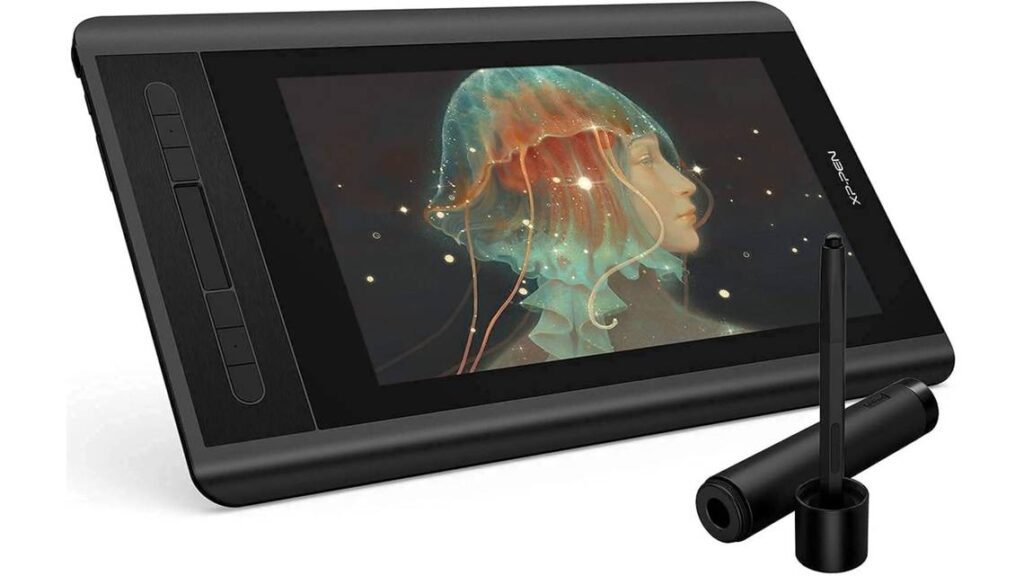
College students also need reliable and powerful tools, which is where the XP-PEN Artist 12 comes in. This drawing monitor and tablet has a multifunction pen holder and a glove, and the pen can register up to 8192 levels of pressure sensitivity. It’s compatible with Mac OS and Windows devices and systems.
Meanwhile, the 11.6-inch HD IPS display is perfect for practicing drawings or completing art class assignments. The pre-installed anti-reflective screen protector is another plus, and the slim touch bar can be customized and programmed to scroll up and down or zoom in and out.
This tablet comes with six customizable shortcut keys, a battery-free stylus and digital eraser, and eight replacement pen nibs. Consider this student-friendly tablet if you are taking an art class and want a device that lets you refine your growing creative skills.
Best for Serious Hobbyists: HUION Kamvas 13 Graphics Drawing Tablet

The HUION Kamvas 13 Graphics Drawing Tablet is another good drawing tablet for students and young professionals, but it’s also great for serious hobbyists who primarily draw for fun or for their friends. With a 178-degree viewing angle, the 1920 x 1080 FHD display can create and register up to 16.7 million colors.
It’s compatible with various computer devices and has easy cable connectivity, so you don’t need an AC power adapter. The battery-free stylus is optimized with a special capacitive pressure sensor plus several stabilizing pen nibs. It also has up to 8192 levels of pen pressure and 60 degrees of tilt function.
Don’t forget the eight shortcut keys, which you can customize to your workflow. Creative minds can use this tablet as a tool or a toy with any software.
The Bottom Line
Still not sure which drawing tablet to pick? Pin down your ideal price point and consider what you will use the tablet for. For instance, the XP-PEN Artist12 11.6 Inch FHD Drawing Monitor Pen Display Graphic Monitor is the best all-around choice for students, while the Drawing Tablet with Screen XPPen Artist 22R Pro Computer Graphics Tablet is a superior pick if you are a graphic designer or artist. Whichever tablet you buy, take advantage of the included warranty!
Sources: