I remember the first time I wondered if I could use Sezzle on Amazon—it was when my kid needed a new laptop for college. Dropping nearly $800 all at once wasn’t realistic for me, so I started looking into whether Sezzle could break that purchase into manageable payments.
If you’ve ever had the same question, here’s the good news: yes, you can use Sezzle on Amazon.
Amazon doesn’t show Sezzle as a built-in payment method, but with Sezzle’s virtual card, you can still check out and split your order into installments. I’ve done it myself, and it works smoothly once you know the steps. Here’s what you need to know, as someone who’s done it.
Key Takeaways
- No Direct Option: Amazon doesn’t list Sezzle as a built-in payment method, but you can still use it.
- Virtual Card Access: Sezzle’s virtual card lets you pay on Amazon just like a debit or credit card.
- Two Simple Methods: Shop through the Sezzle app portal or add a manual virtual card in Amazon.
- Payment Structure: Purchases are split into four installments over 6 weeks, with a service fee added to the first payment.
- Restrictions Apply: Works for most Amazon purchases, but not gift cards, subscriptions, or Prime memberships.

Save $5 on Your First Amazon Purchase via Sezzle App
Method 1: Shop Amazon Inside the Sezzle App
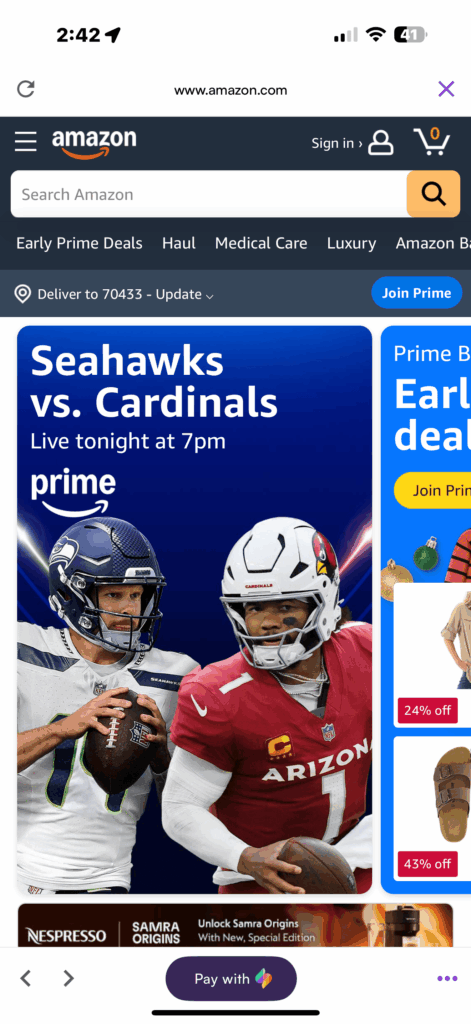
This is the simplest way to pay for your Amazon purchase with Sezzle.
Step-by-Step
- Open the Sezzle app.
- Search for Amazon in the Sezzle store list.
- Shop like you usually do and add items to your cart.
- When you’re ready, click “Pay with Sezzle.”
- Sezzle will generate a single-use virtual card for your total (be sure you cover tax and shipping).
- Copy/paste the card details into Amazon’s checkout and place your order.
Pro Tip: This is the smoothest route because Sezzle guides you directly through the process.
Method 2: Use a Sezzle Virtual Card in the Amazon App
If you’d rather shop straight in the Amazon app or desktop site, you can still use Sezzle; just add the virtual card manually. I do this when I have things in my Amazon cart and don’t feel like adding them again inside Sezzle.
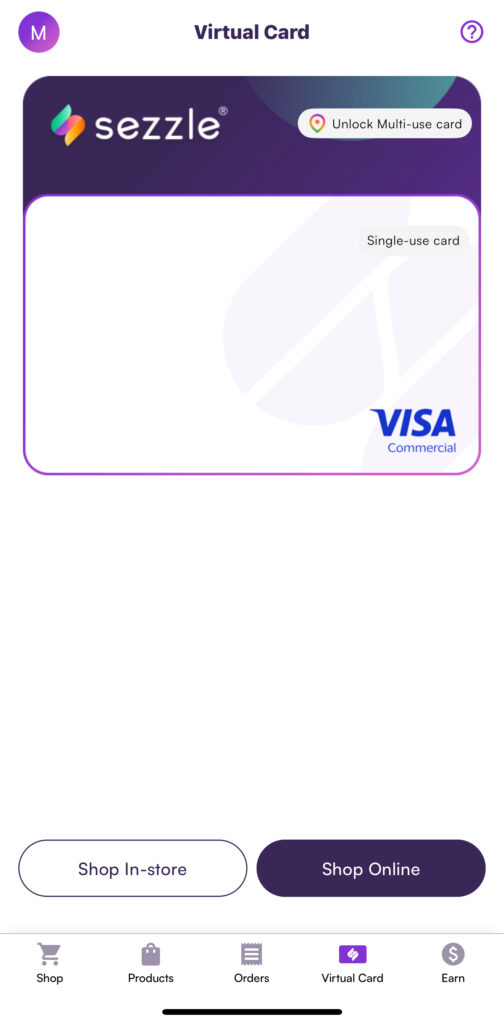
Step-by-Step
- Go into the Sezzle app and tap Virtual Card.
- Click Create Virtual Card and enter the full amount of your purchase (don’t forget taxes and shipping).
- Sezzle will approve and generate a card number, expiration date, and CVV.
- In Amazon, go to Your Payments → Add a credit/debit card.
- Paste in your Sezzle card details.
- At checkout, choose that card and place your order.
Save $10 on Your First Amazon Purchase via Sezzle App
Real-Life Example: Buying a MacBook with Sezzle
Here’s how it works in practice. Say you’re buying a MacBook Air for your college kid on Amazon, priced at $799.00. That’s a big upfront cost, but Sezzle breaks it down:
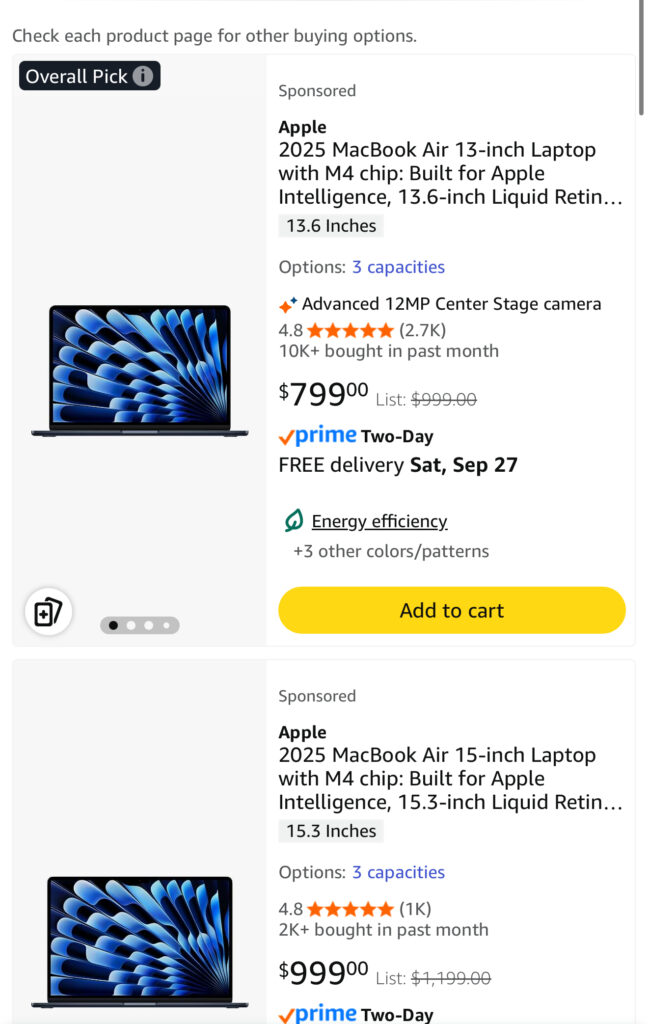
- In the Sezzle app, create a virtual card for at least $799.00 plus tax and shipping.
- Paste that card into your Amazon account and check out like normal.
- Sezzle splits the total into four payments, but you’ll also see a $7.99 service fee added to your first payment.
Here’s the breakdown:
- First Payment: $199.75 + $7.99 fee = $207.74
- Second Payment: $199.75
- Third Payment: $199.75
- Fourth Payment: $199.75
Instead of paying $799 all at once, you spread it out over six weeks while only paying a small upfront fee. That means your student gets the computer they need right away, and you get some breathing room.
Check out my experience with Sezzle and learn more about everything Sezzle has to offer.
Important Things to Know
- Yes, you can use Sezzle on Amazon. Even if the name doesn’t show up at checkout, the virtual card works like any Visa card.
- Cover your total. If you don’t include shipping and tax when you create the card, the transaction can fail.
- Some categories won’t work. Amazon restricts gift cards, wireless plans, certain subscriptions, and alcohol from being purchased with Sezzle.
- Cards expire quickly. If your payment fails later because Amazon charges when the item ships, just create a new virtual card in Sezzle and update your order.
- Payment plans are flexible. Most orders default to Pay-in-4, but depending on your account, you may see reschedule options or longer-term financing offers.
Save $15 on Your First Amazon Purchase via Sezzle App
Final Answer
So, can you use Sezzle on Amazon? Absolutely. You just need to know how. Either:
- Shop inside the Sezzle app, hit “Pay with Sezzle,” and paste the one-time card.
- Or, create a Sezzle virtual card, add it to your Amazon account, and check out as usual.
Both options unlock buy now, pay later flexibility, letting you split your Amazon purchase into manageable payments—no credit card required. Whether it’s a $20 home essential or a $799 MacBook for your college student, Sezzle makes big-ticket Amazon orders far more affordable.
Sign up with Sezzle and get started on making split payments on your Amazon purchases.
FAQs
Not directly. Subscriptions and recurring payments aren’t supported, so you’ll need to pay for Prime with another method.
No, gift cards are one of the restricted categories and will usually be declined.
Most digital subscriptions and some downloads are restricted. Physical items are a safer bet.
Since Amazon often charges only when items ship, your first Sezzle card might expire. If that happens, just go back into the Sezzle app, create a new virtual card, and update your payment method in Amazon.
Sezzle doesn’t do a hard credit check for Pay-in-4. However, missed payments may impact your account standing, and Sezzle Up (credit-building feature) can report to credit bureaus.
Some Sezzle accounts offer longer financing options, but Pay-in-4 over six weeks is the default.